

Cyber security awareness on board
1The lesson in plain words
Ships run on computers, from the engine to the chart. One careless click or infected USB stick can put the whole ship at risk.
Why ships are targets
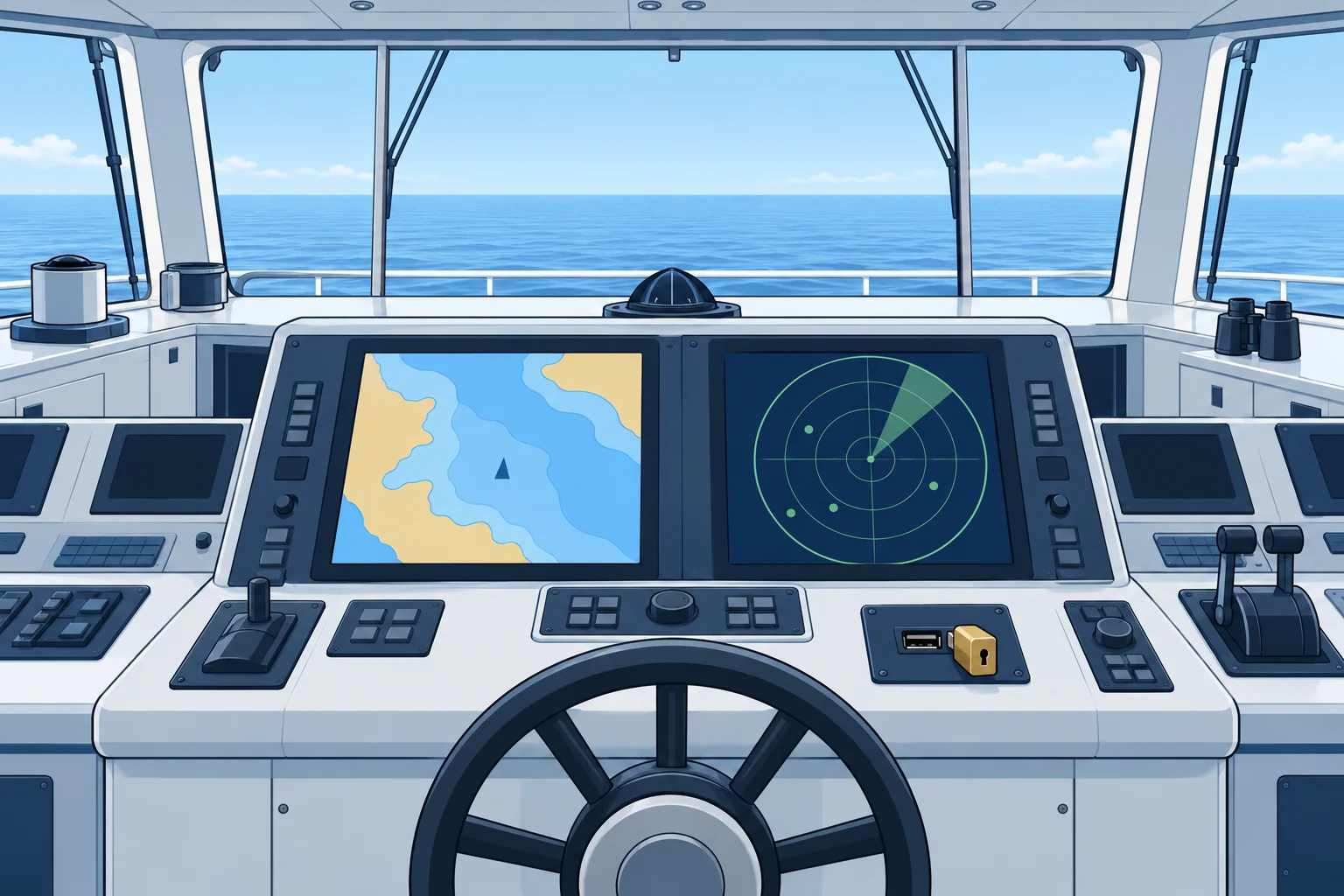
Modern ships depend on computer-based systems. Some are IT (information technology): email, crew welfare networks, cargo records and office software. Others are OT (operational technology): the electronic chart display and information system (ECDIS), engine and ballast controls, cargo controls and communications. If criminals infect or block them, the ship can lose navigation, propulsion or cargo control, or have its data stolen and held for ransom.
The rules
IMO resolution MSC.428(98) calls for cyber risks to be addressed in the safety management system (SMS). The IMO Guidelines on Maritime Cyber Risk Management, MSC-FAL.1/Circ.3/Rev.3 of 2025, give the current guidance. For you this becomes simple ship rules: what you may plug in, which networks you may use and whom to tell when something looks wrong.
Common attacks
Phishing is an email or message that pretends to be from a trusted sender and tries to make you click a link, open an attachment or give your password. Infected USB sticks and connected personal devices can introduce malware, harmful software, into ship systems. Weak or shared passwords let attackers in. Fake websites and false calls can trick you too.
Good habits
Use only your own account and a strong password, and never share it. Never plug a personal USB stick, phone or laptop into a ship's navigation or engine computer. Do not open unexpected attachments or links. Use the crew network, not the ship's business network, for personal devices. If a screen behaves oddly, a file locks or a message asks for urgent action, tell the officer of the watch or the officer responsible for IT at once.
2Key data
- IMO guidance
- MSC-FAL.1/Circ.3/Rev.3 (2025)
- Cyber in the SMS
- MSC.428(98): address cyber risk in the safety management system
- IT vs OT
- Office and data systems vs systems that control the ship
3Key points
- 1
Ships rely on IT (office, email) and OT (navigation, engine, cargo control) systems.
- 2
Phishing messages try to make you click, open or give a password.
- 3
Never plug personal USB sticks or phones into ship control computers.
- 4
Use your own strong password and the crew network for personal devices.
- 5
Report anything odd on a screen or in a message at once.
4Frequent mistakes
Wrong: Charging your phone from the electronic chart computer USB port does no harm.
Right: Any connection can carry malware into navigation systems. Use only approved charging points.
Wrong: An email that uses the company logo must be genuine.
Right: Logos are easy to copy. Check the sender and ask before you click a link or attachment.
5Practice case & exam keys
You receive an email that looks as if it comes from the crewing office. It says your wages will be stopped unless you log in today through a link and confirm your bank details.
Show the answer
Do not click the link or reply. The urgency and the request for bank details are signs of phishing. Report the email to the master or the officer responsible for IT, and check with the crewing office through a known contact. If you already clicked, say so at once and change your password from a safe device.
Exam keys
- IT systems hold data; OT systems control navigation, engines and cargo.
- Phishing, infected USB devices and weak passwords are the common entry routes.
- MSC.428(98) puts cyber risk in the SMS; MSC-FAL.1/Circ.3/Rev.3 is the current guidance.
- Report suspicious messages or system behaviour to the officer in charge.
Finish this unit
When you've read it, answer three questions. Get all three right to finish the unit; opening the page alone doesn't count.
My notes for this unit
No notes