
 See units
Nautical publications and chart corrections: almanacs, pilot books, lists of lights and Notices to Mariners
Digital charts and publications: updates and their lag
1The lesson in plain words
Keep electronic charts and publications current. Check their update status, then check notices and warnings for changes they may omit.
ENC updates
An official ENC (electronic navigational chart) has a base cell and updates. For S-57, start with the supplied base (.000), then apply every later numbered update (.001, .002 and so on) in order. Each depends on earlier changes; the newest file alone is insufficient. A reissued base incorporates earlier updates; apply subsequent updates after it. S-101 is the newer ENC format within the International Hydrographic Organization (IHO) S-100 framework. The Electronic navigation unit covers its introduction.
Plotter charts
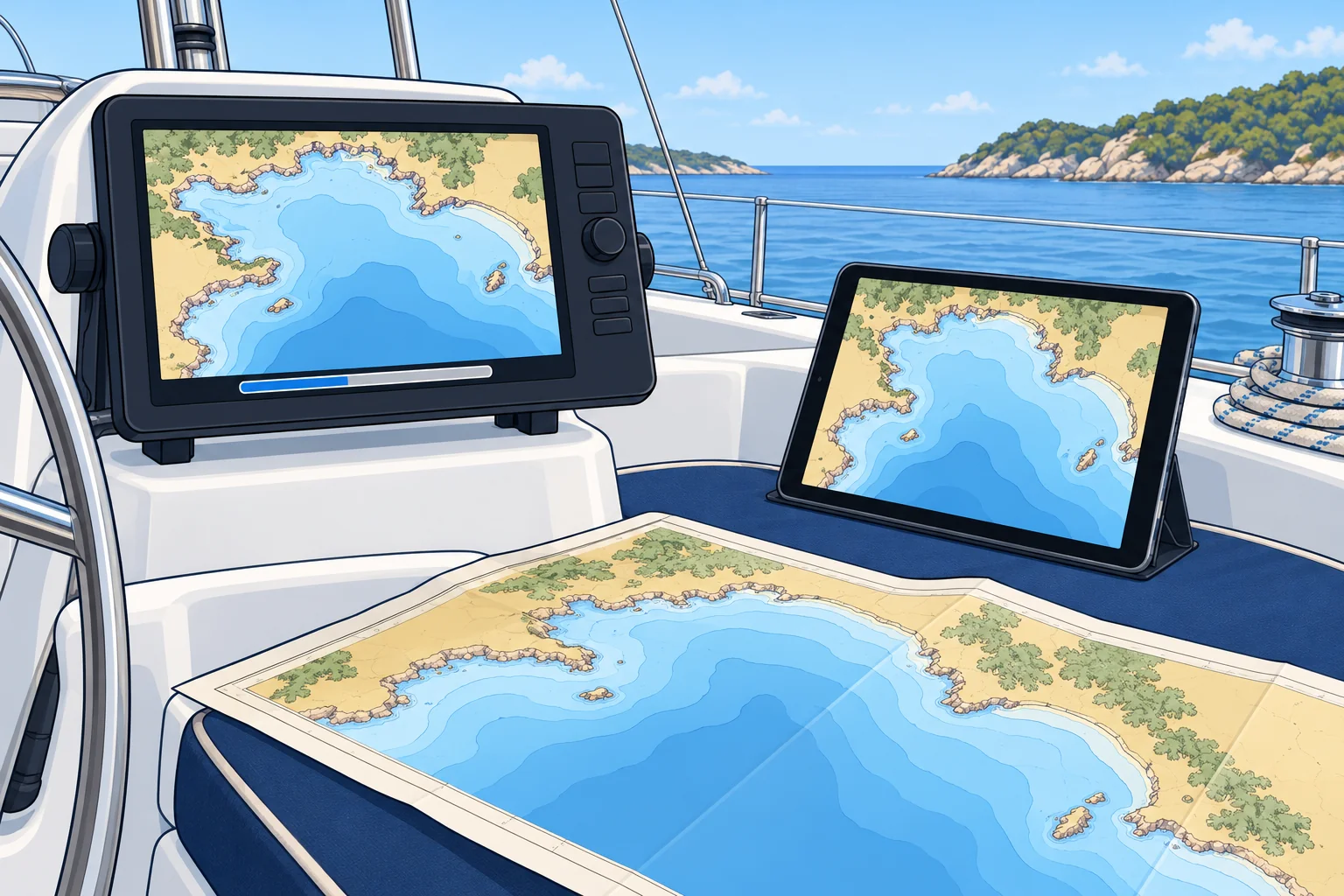
Most yacht plotters use private vector charts from companies such as Garmin Navionics or C-MAP, built from official data and often from surveys of their own. They update by app, card or Wi-Fi. There can be a lag (delay): an official change may take weeks or months to reach your plotter, and T&P information may be missing. Check your chart's date and update before a passage.
Digital publications
ADMIRALTY Digital Publications (ADP) provide digital lights, radio and tide data. e-Nautical Publications (e-NP) are electronic reference books, such as Sailing Directions. Apply available weekly corrections using their update services. The IHM publishes its weekly Avisos and its list of lights online. Check the update arrangements for other services.
Survey quality
Downloading an update does not improve the accuracy of an unchanged survey. Old survey data remains old unless newer survey information replaces it. Check the ENC's survey-quality information; the Electronic navigation unit explains zones of confidence.
Before a passage
Update the plotter charts, then check the latest notices and warnings for your area, because the update may not include them. Note on the passage plan the date your charts were updated to.
2Key data
- S-57 ENC files
- Base cell .000, then updates .001, .002… applied in order
- S-101
- Newer ENC format within the IHO's S-100 framework
- ADMIRALTY digital
- ADP and e-NP publications, updated weekly
- Plotter charts
- Private chart updates can lag notices; T&P may be missing
- Spanish terms
- Carta electrónica (ENC), actualización, publicaciones digitales
3Key points
- 1
Numbered ENC updates depend on earlier updates and must be applied in order.
- 2
Private chart updates can lag official notices; T&P information may be missing.
- 3
Keep ADP and e-NP current with their update services; check each publication's correction status.
- 4
A recent update does not guarantee a recent survey; check survey-quality information.
4Frequent mistakes
Wrong: My plotter updates itself, so I don't need the notices.
Right: Plotter data can lag. Check recent notices and warnings for your route.
Wrong: Skip a missing ENC update and apply the newest one.
Right: Obtain the missing update or a current reissued base package, then apply subsequent updates in order.
5Practice case & exam keys
A two-month-old preliminary notice announces a wreck buoy on your route. Your recently updated plotter shows neither buoy nor wreck. What do you verify before choosing your route?
Show the answer
Check the notice's effective dates, whether it is still in force, and later notices, cancellations and warnings. Confirm whether the buoy is established or only planned. Do not infer that the wreck is clear from the plotter: T&P may be missing. Annotate the hazard on paper and with a clearly labelled plotter hazard mark or avoidance area, not a route waypoint. Note its status and date, plan safe clearance and record the chart data date.
Exam keys
- S-57: base .000, then sequential updates. S-101: newer ENC format.
- Plotter chart updates can lag notices; T&P information may be missing.
- ADP and e-NP: digital ADMIRALTY publications updated weekly.
- Update dates in the passage plan; check notices and warnings anyway.
Finish this unit
When you've read it, match the terms, then answer three questions. Get them all right to finish the unit; opening the page alone doesn't count.
My notes for this unit
No notes