

Virtual marks: uses and limits
1The lesson in plain words
A virtual mark can warn of a new wreck within hours. It exists only as data, so treat it as real but never rely on it alone.
Why they exist
A virtual aid to navigation is a digital mark broadcast by an authorised body, with nothing in the water. IALA guideline G1081 covers its use. It can be set up in hours, where laying a buoy can take days, and it works where buoys are hard to lay or keep: deep water, ice, or places too rough to service.
Typical uses
Authorities use virtual marks for a new danger, such as a fresh wreck, until buoys arrive; in place of a buoy that has broken adrift; and for temporary areas, routes or exercises. IALA’s buoyage system allows virtual lateral, cardinal, isolated danger, safe water, special and wreck marks; the symbol and data show which type.
Who sees them
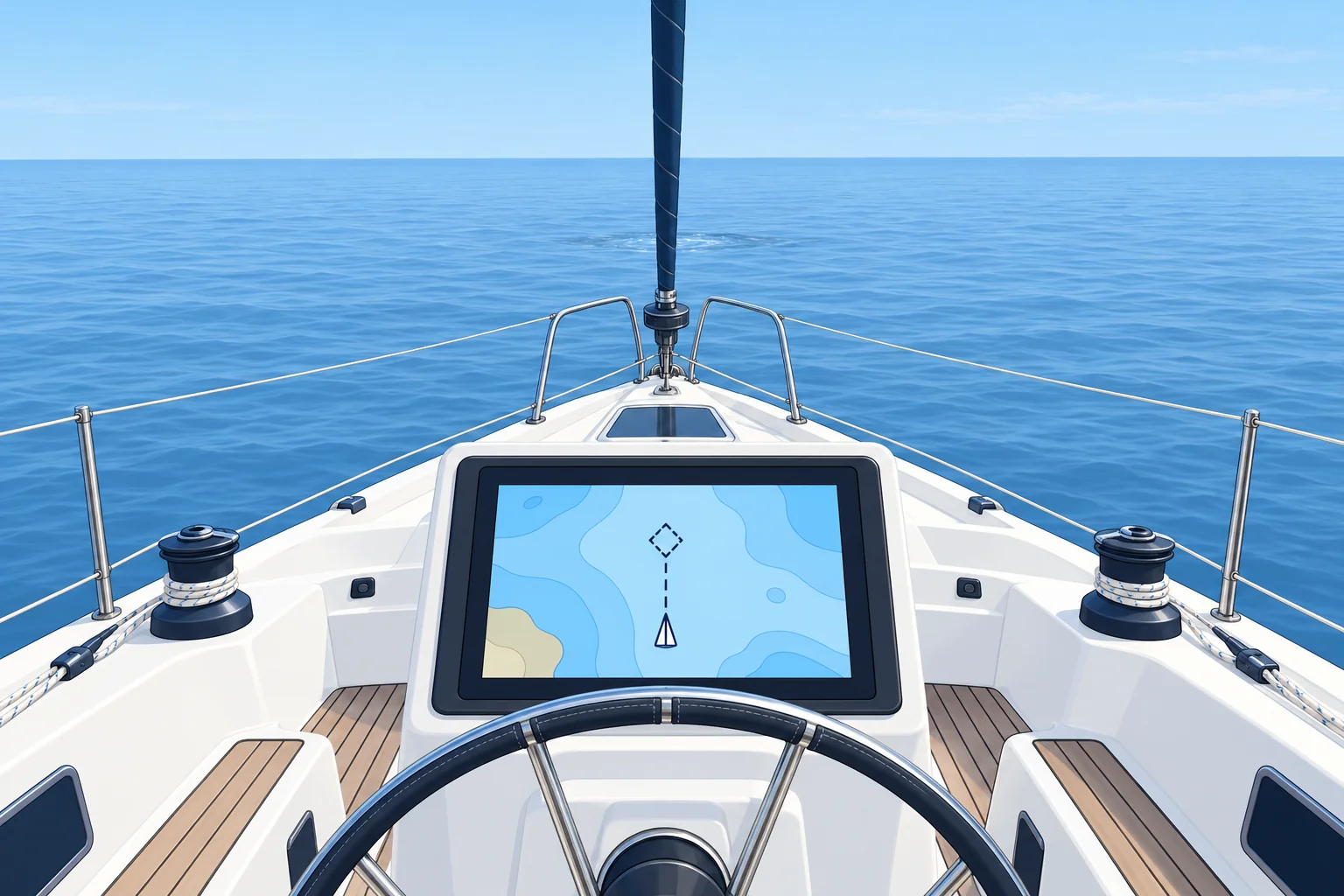
A virtual mark produces no radar echo and cannot be seen by eye. Compatible chart and radar displays can show its AIS symbol. Without AIS reception and an AtoN-capable display, you will not see that symbol. New dangers are also published in navigational warnings and Notices to Mariners, although an urgent warning may not yet be available aboard.
Spoofing and errors
AIS does not verify who sent a message, so false marks can appear on your display. A virtual mark may also be left on after the danger has gone, or vanish when the shore station fails. Check every virtual mark against warnings and notices, and never use one alone to clear a danger.
Using one well
Treat a confirmed virtual mark as you would a real mark of the same type: a virtual west cardinal means pass to the west. Combine it with the chart, the depth, radar and your position. If a virtual mark appears with no warning to back it, keep clear anyway and report it.
2Step by step
When a virtual mark appears on your plotter
- 1
Keep clear while you assess the mark, checking traffic and charted water.
Do not approach a possible danger while searching for information.
- 2
Identify the mark’s type from its symbol and AIS data.
Its type tells you how to interpret the mark.
- 3
Check navigational warnings and Notices to Mariners.
Look for official confirmation; an urgent warning may not yet be available aboard.
- 4
Locate the mark on your chart, with any reported danger limits; plan a safe clearance.
The mark’s position need not be the danger’s position. Allow for danger limits that are still uncertain.
- 5
Choose a safe route using the mark’s meaning, chart and official warnings; cross-check position and depths.
Not every mark indicates a passing side. Soundings (depth measurements) check beneath you, not the water ahead.
- 6
Report an unexplained or conflicting mark to the coastguard.
It may be a new danger, an error or a false signal.
3Key data
- Guidance
- IALA G1081, virtual aids to navigation
- Seen by
- AIS-capable display; no physical mark or radar echo
- Typical use
- New dangers until physical marks are laid
- Weakness
- No authentication; can be spoofed or left on in error
4Key points
- 1
A virtual mark exists only as AIS data from an authorised body.
- 2
It is quick to set up, so it often marks a new wreck first.
- 3
No physical mark or radar echo; compatible displays show its AIS symbol.
- 4
Check it against warnings; never rely on a virtual mark alone.
5Frequent mistakes
Wrong: A virtual mark matters less than a real buoy.
Right: Treat a confirmed virtual mark like a real mark of its type. Its meaning applies even with no buoy present.
Wrong: If it is on the plotter, it must be genuine.
Right: AIS can be spoofed or out of date. Check navigational warnings and notices.
6Practice case & exam keys
Crossing a busy strait, your plotter shows a virtual emergency wreck mark 1 NM ahead on your track. The chart shows nothing there. What do you do?
Show the answer
Treat it as real: a new wreck may lie there. Alter course early to pass well clear. Check NAVTEX broadcasts or the latest navigational warnings for a matching wreck report, and look out for physical marks. If no warning supports the virtual mark, still keep clear, and report it to the coastguard.
Exam keys
- Virtual AtoN: no physical mark; IALA guideline G1081.
- Used for new dangers before buoys are laid.
- No physical mark or radar echo; compatible displays show its AIS symbol.
- Can be spoofed: confirm with warnings; never rely on it alone.
Finish this unit
When you've read it, match the terms, then answer three questions. Get them all right to finish the unit; opening the page alone doesn't count.
My notes for this unit
No notes