

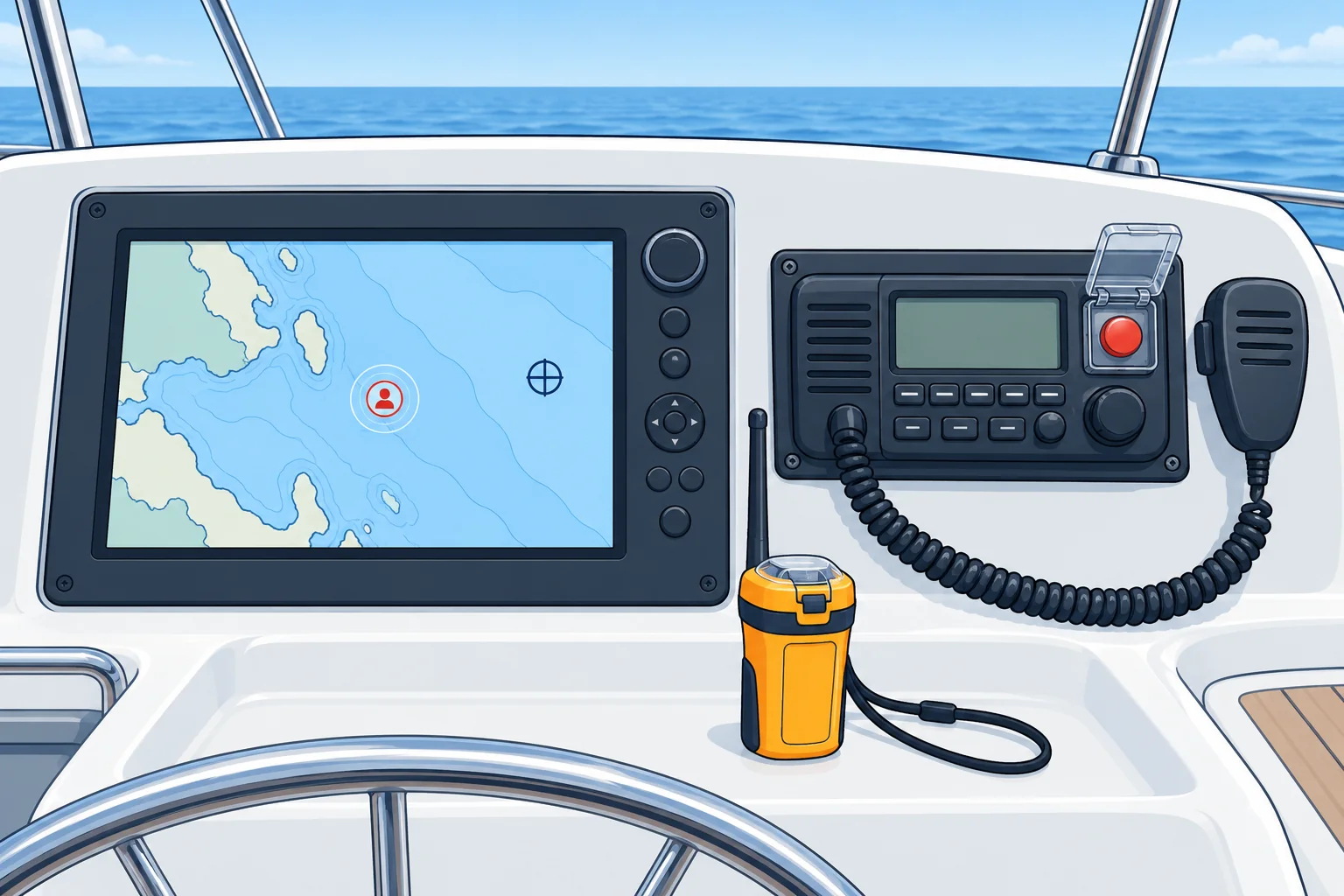
MOB button, DSC and AIS-MOB beacons
1The lesson in plain words
Press MOB promptly to mark your boat’s position. Use recent beacon reports to help locate the casualty, and keep a visual lookout.
MOB button
Press MOB on your satellite-navigation plotter immediately. It saves your boat’s position at that moment and gives bearing and distance back. This approximates the fall position only if you press promptly. The casualty then drifts, so keep a lookout and use any recent beacon position too.
DSC alert
A VHF radio with digital selective calling (DSC) can send a distress alert with the nature ‘man overboard’, your position and your vessel’s nine-digit radio identity (MMSI). Coast stations and nearby vessels can receive it. Follow it with a voice Mayday on Channel 16. Alert early, even if you expect to recover the person yourself. See GMDSS: distress calls for the operating and cancellation procedures.
AIS-MOB beacons
An Automatic Identification System (AIS) MOB beacon sends its satellite-derived position by VHF radio to compatible nearby displays. Automatic activation depends on the model and correct lifejacket installation; know its manual controls. Some also send DSC alerts: closed loop addresses your programmed vessel identity; open loop alerts compatible nearby stations. Escalation depends on model, setup and local rules. Check that your radio and display recognise the beacon, and check each report’s time.
PLB and crew tags
A personal locator beacon (PLB) sends a satellite distress alert to the rescue system. Most require manual activation: know your model’s controls and register it with the appropriate authority. Crew-alarm tags trigger an onboard alarm when immersed or separated, depending on the system. Pair tags with their receiver. Wear or carry the equipment and use the maker’s self-test before relying on it.
2Key points
- 1
Press MOB at once: it marks your boat’s position when pressed; prompt use approximates the fall position.
- 2
Send a DSC distress alert with nature ‘man overboard’, then a voice Mayday.
- 3
AIS-MOB reports the latest transmitted position on compatible nearby displays; check its time.
- 4
DSC beacon functions vary: check recipient programming and whether escalation is available.
- 5
PLB alerts a rescue centre; crew tags sound an alarm on board.
3Frequent mistakes
Wrong: With an AIS-MOB beacon, no one needs to keep pointing.
Right: Keep a spotter pointing. Beacons can fail, and eyes are fastest at short range.
Wrong: Only call for help if your own recovery fails.
Right: Send the distress alert early. Help takes time; see GMDSS: distress calls for cancellation after recovery.
4Practice case & exam keys
At night, a crew member with an AIS-MOB beacon goes overboard. Your plotter shows a recent AIS-MOB report 0.3 miles astern. The MOB mark is 0.1 miles further north. Which position guides your search?
Show the answer
Use the latest valid AIS-MOB report to guide the search, checking its time and further updates. It reports the beacon’s position at its last update. The MOB mark records your boat’s position when pressed; delay and drift can make it differ. Keep a visual lookout and raise the distress alert. Neither display guarantees the person is exactly at the symbol.
Exam keys
- MOB saves your boat’s position when pressed; press promptly to approximate the fall position.
- DSC distress alert, nature ‘man overboard’, then voice Mayday on Channel 16.
- AIS-MOB: periodic positions on compatible displays; check report time. DSC recipients and escalation depend on model and setup.
- PLB alerts via satellite; crew tags raise an alarm on board.
Finish this unit
When you've read it, answer three questions. Get all three right to finish the unit; opening the page alone doesn't count.
My notes for this unit
No notes