

What a GRIB file is and how to get one at sea
1The lesson in plain words
Here, GRIB means a file of weather-model forecasts. It holds values at grid points; your app draws arrows and colours. Small files work on slow links.
Gridded numbers
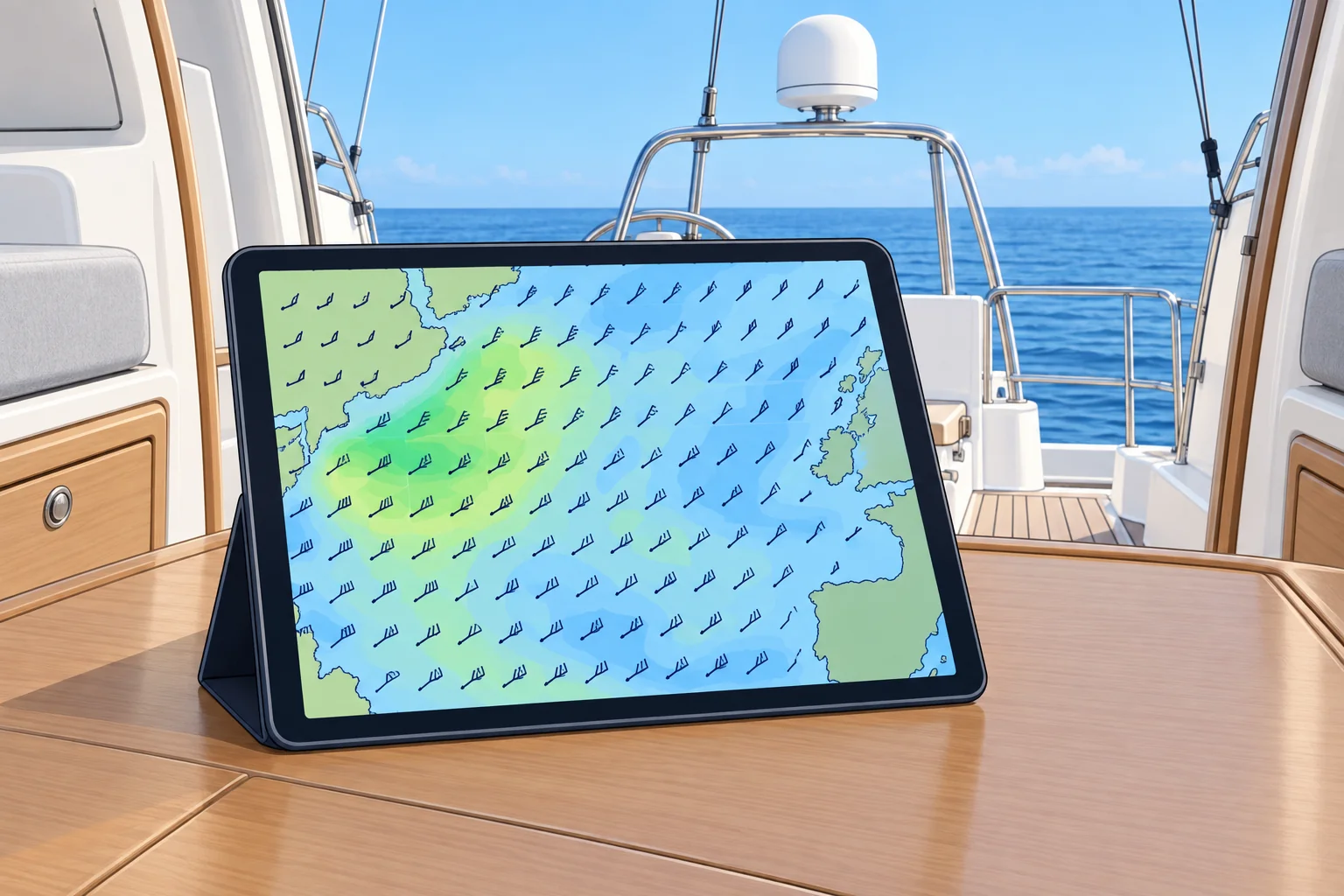
A weather model is a computer program that forecasts the atmosphere from today's observations. Its output is a set of values on a grid of points: wind, pressure, rain and more, for each forecast time. GRIB (gridded binary) is the WMO (World Meteorological Organization) standard format for sending it. Two editions are in use: GRIB1 and the newer GRIB2. Your app or plotter reads the numbers and draws the wind arrows, isobars and colour shading.
Choosing a file
You choose the model, the area, the grid spacing, the forecast times and the parameters: for example 10 m wind, mean sea-level pressure, gusts, rain and waves. A larger area, finer grid, more forecast times or more parameters usually means a larger file. With other choices unchanged, halving the grid spacing gives about four times as many points and roughly four times the file size.
Getting it ashore
On land, apps and websites download GRIB files directly or show model output without a file at all. Free GRIB viewers and many plotters accept standard files. Check which model and run each app shows; some blend models without saying which.
Getting it at sea
Offshore you may have only a slow satellite or high-frequency (HF) radio link. Email services such as Saildocs send a GRIB file in reply to a short request message naming the model, area, spacing, times and parameters. Satellite internet is now common on yachts and makes larger downloads easy, but a small, well-chosen file still arrives fastest when the link is poor.
Not an official forecast
These files contain model output, not a forecaster-edited marine bulletin. They do not include official warnings. Use them alongside official forecasts, as the Forecast sources unit explains.
2Key data
- GRIB
- GRIdded Binary: WMO format, editions 1 and 2
- Typical parameters
- 10 m wind, sea-level pressure, gusts, rain, wave height
- File size
- Halve the grid spacing → about four times the size
- Email request
- Model, area, grid spacing, forecast times, parameters
3Key points
- 1
These files hold values at grid points; the app draws them.
- 2
You choose model, area, spacing, times and parameters; each changes the file size.
- 3
Email services like Saildocs send small files over slow links.
- 4
These files contain model output without official warnings.
4Frequent mistakes
Wrong: These files are forecaster-edited marine bulletins.
Right: They contain model output, not a forecaster-edited bulletin, and do not include official warnings.
Wrong: Download the finest grid for the whole ocean.
Right: Pick the area and spacing you need. A small file arrives over a slow link; a huge one may not.
5Practice case & exam keys
Mid-passage, you have a slow satellite email link. You want the wind for the next three days over the 300 NM ahead. Your crew asks for the finest grid, every hour, with ten parameters. What do you request?
Show the answer
Ask only for what you need: a box a little bigger than your route, a moderate grid spacing such as 0.25° or 0.5°, forecast times every 3 or 6 hours out to 72 hours, and a few parameters: 10 m wind, pressure, gusts and perhaps rain or waves. The file stays small enough to download. Then compare it with the latest official high-seas forecast.
Exam keys
- GRIB: WMO gridded binary format, editions 1 and 2.
- File size depends on area, grid spacing, times and parameters.
- Email request services send small files over slow links.
- These files: model output, not edited bulletins or official warnings.
Finish this unit
When you've read it, match the terms, then answer three questions. Get them all right to finish the unit; opening the page alone doesn't count.
My notes for this unit
No notes