

GNSS errors: where a satellite position goes wrong
1The lesson in plain words
A satellite position has errors you cannot see on the screen. Know where they come from, read the receiver's quality signs and never trust one source alone.
The error budget
Every GNSS (global navigation satellite system) position carries some error. GPS and Galileo are examples. Small errors come from satellite clocks and orbits. The ionosphere, a layer of charged particles high above Earth, delays signals. Disturbances can increase this error; dual-frequency receivers reduce it. Most of the time the total error is a few metres. Solar storms, poor antenna placement or interference can make it much larger without an obvious warning.
Geometry: DOP
The receiver needs satellites spread across the sky. If they bunch together, or cliffs and tall structures hide half of them, small range errors grow into a large position error. DOP (dilution of precision) measures this; HDOP is its horizontal part. The lower the number, the better: about 1 to 2 is good, and above about 5 the position is weak. Many receivers show HDOP, or an estimated error in metres, on a status page.
Antenna and multipath
Multipath is a signal that reaches the antenna after bouncing off a quay wall, a high hull or the sea. It adds error near tall structures. Mount the antenna with a clear sky view, away from radar scanners and VHF (very high frequency) radio aerials. A masthead antenna swings as the boat rolls and heels, so the position wanders; one on the pushpit (stern rail) or an arch moves less. The plotter shows the antenna's position, not the bow's.
Lag and smoothing
Receivers average their readings to keep COG and SOG (course and speed over the ground) steady. So the display lags: after a sharp turn the COG line catches up a few seconds later, and at low speed it swings about. At speed in a narrow channel, a few seconds of lag means tens of metres. Steer by what you see and by the compass; use the screen to confirm.
Integrity and fix status
A receiver warns when it loses its fix, but the warning can be small: a symbol changes, or on some plotters DR (dead reckoning) or EST (estimated) appears while the boat icon keeps moving from its last course and speed. The position then looks normal but is only a guess. Learn where your plotter shows the fix status, and look at it whenever the view and the screen disagree.
Datum and chart
A horizontal datum mismatch (different position reference) or survey error can misplace charted dangers even with an accurate GNSS fix; these are not receiver-position errors.
2Key data
- Ionospheric delay
- Disturbances can increase it; dual-frequency receivers reduce it
- HDOP
- Lower is better: about 1–2 good, above about 5 weak
- Typical open-sky error
- A few metres, without interference
- Display lag
- A few seconds of smoothing on COG and SOG
- Position shown
- The antenna's position, not the bow's
3Key points
- 1
Most of the time GNSS is good to a few metres; solar storms, poor geometry and interference make it worse.
- 2
A high HDOP means poor satellite geometry and a weak position.
- 3
Multipath and a swinging masthead antenna add error; mount the antenna with a clear sky view.
- 4
COG and SOG are smoothed and lag behind sharp turns.
- 5
Know how your plotter shows a lost fix: the icon may keep moving on a guess.
4Frequent mistakes
Wrong: If the boat icon is still moving, the receiver still has a fix.
Right: Some plotters keep moving the icon from the last course and speed after the fix is lost. Check the fix status.
Wrong: Mount the GNSS antenna as high as possible, at the masthead.
Right: A masthead antenna swings with roll and heel. A clear-sky mount on the pushpit or an arch is steadier.
Wrong: A position given to a few metres must be correct.
Right: Fine coordinates or a small estimated error do not guarantee accuracy. Multipath, interference and chart errors may not be reflected in that estimate. Cross-check independently.
5Practice case & exam keys
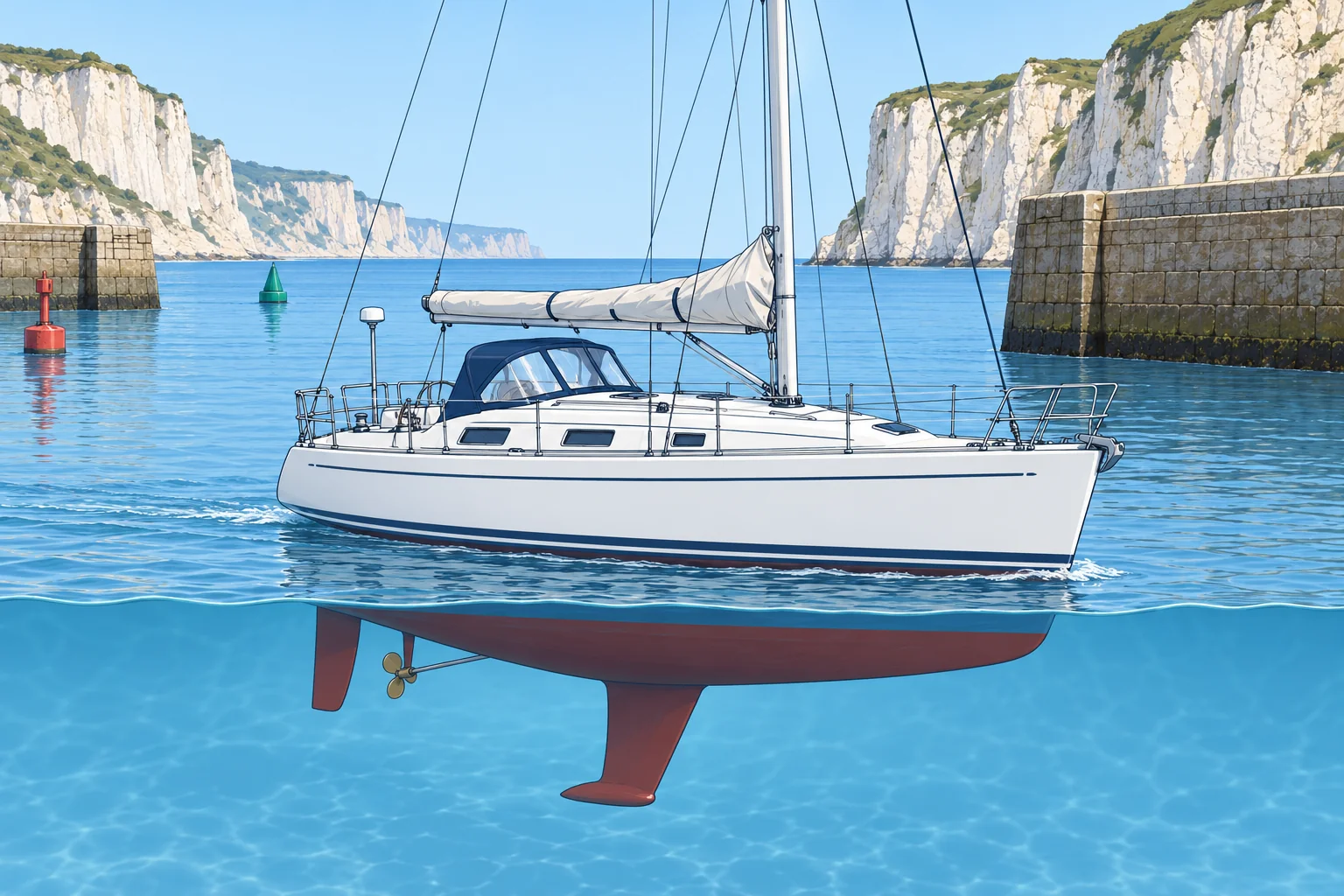
You are leaving a harbour under high cliffs, with a ferry quay alongside. The plotter puts you 30 m inside the breakwater, and its status page shows an HDOP of 7. The channel is narrow.
Show the answer
Cliffs hide satellites and the quay reflects signals: poor geometry (HDOP 7) and multipath make the position unreliable. Slow if needed. Use visible channel marks, compass and depth to maintain safe clearance. Compare GNSS with independent observations when clear of the cliffs, check fix status and HDOP, and continue cross-checking.
Exam keys
- Error sources: satellite clock and orbit, ionosphere, geometry (DOP), multipath, antenna position.
- High HDOP = poor satellite geometry = weak position.
- Smoothing can delay COG/SOG after turns; COG is unreliable when nearly stopped.
- A lost fix can be hidden by a plotter that keeps estimating the position.
Finish this unit
When you've read it, match the terms, then answer three questions. Get them all right to finish the unit; opening the page alone doesn't count.
My notes for this unit
No notes