

Horizontal datum, WGS84 and electronic charts
1The lesson in plain words
Satellite positions use WGS84. Check that your chart uses it too, or apply its shift note. Electronic charts come as raster images or vector data.
Horizontal datum
A horizontal datum is the reference system for latitude and longitude. GNSS means global navigation satellite system; GPS is one example. Marine receivers normally display positions on WGS84 (World Geodetic System 1984). Most modern charts use WGS84 or a compatible datum, such as ETRS89 (European Terrestrial Reference System 1989). Read the chart's title notes to check its datum.
Older charts
Some charts, especially of remote areas or from old surveys, use a local datum such as ED50 or OSGB36. A note, often headed "Satellite-derived positions", gives a shift to apply, for example 0.04′ southward and 0.09′ eastward. Errors of 100 m or more are common if you ignore it, and in a few remote places charted features are more than a mile out.
Raster and vector
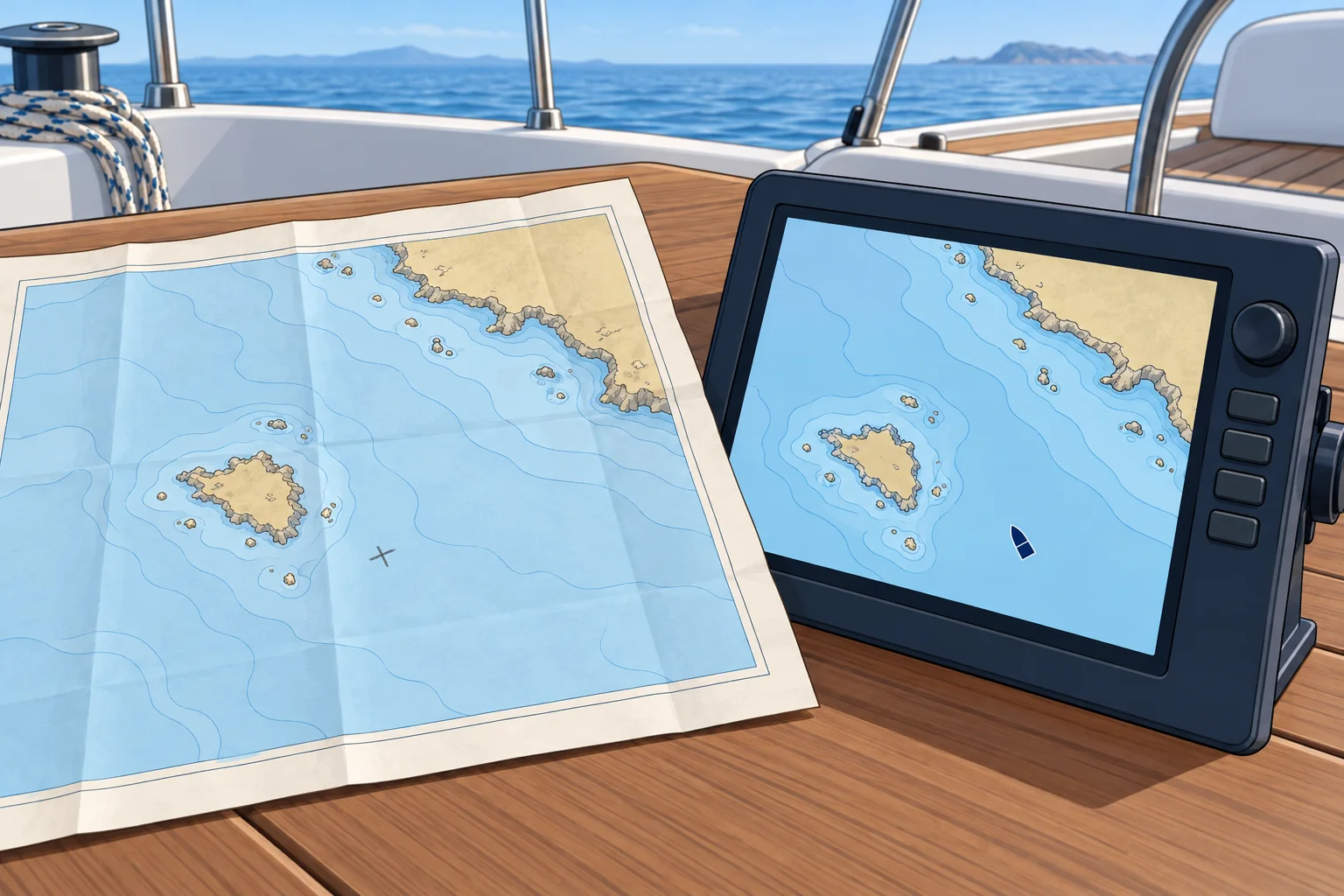
A raster chart is a scanned image of a paper chart: it looks familiar but cannot tell you what each feature is. A vector chart stores every feature as data, so the display redraws as you zoom and can warn you of shallow water. The official vector chart is the ENC (Electronic Navigational Chart), made by hydrographic offices to the IHO S-57 standard; its successor, S-101, is being introduced from 2026.
On a yacht
Most recreational plotters use private vector charts built from official data, not ENCs. Keep charts updated and use WGS84 for modern electronic charts; follow the equipment instructions before changing datum settings. Apply a paper chart's stated shift when plotting positions onto it, and carry a current paper chart of your area. The Electronic navigation unit covers ENCs, plotters and their errors in depth.
2Key data
- GNSS datum
- WGS84 (ETRS89 is the European equivalent)
- Ignoring an old-datum shift
- Often 100 m or more; read the datum note
- Official vector chart
- ENC: IHO S-57; S-101 from 2026
- Raster chart
- Scanned image of a paper chart
3Key points
- 1
GNSS positions are on WGS84; most modern charts are too.
- 2
On an older chart, apply the satellite-derived positions shift, or expect errors of 100 m or more.
- 3
Raster = scanned picture; vector = data that redraws and can warn.
- 4
ENC is the official vector chart (IHO S-57; S-101 arriving from 2026).
4Frequent mistakes
Wrong: A GPS position fits every chart exactly.
Right: Matching datums removes the datum shift, not survey errors. Read the title notes and apply any shift.
Wrong: A plotter chart is an official ENC.
Right: Most recreational charts are private products. They can be good, but they are not official ENCs.
Wrong: No shift note means no datum problem.
Right: Some old charts have never been checked against WGS84. Treat a GNSS position on them with care.
5Practice case & exam keys
A paper chart says: “To plot WGS84 positions, move them 0.04′ south and 0.09′ east.” Your GPS shows 50°12.50′N 001°20.00′W. What position do you plot?
Show the answer
Plot 50°12.46′N 001°19.91′W. Moving south reduces north latitude; moving east reduces west longitude. Apply this shift once when plotting the position on this paper chart.
Exam keys
- GNSS gives WGS84 positions; check the chart's horizontal datum in its title notes.
- Apply the satellite-derived positions shift on charts drawn on another datum.
- Raster chart: scanned image. Vector chart: feature data. ENC: official vector chart.
- Keep electronic charts updated and a paper chart aboard.
Finish this unit
When you've read it, match the terms, then answer three questions. Get them all right to finish the unit; opening the page alone doesn't count.
My notes for this unit
No notes