

Alarms, warnings and indications, and how to manage them
1The lesson in plain words
ECDIS alerts warn you about navigational risks. Know what each needs from you, and keep audible alerts enabled.
Alert priorities
Since IMO's bridge alert management (BAM) standard, MSC.302(87), alerts have priorities. An alarm needs immediate attention and action. A warning needs immediate attention for precautionary reasons, but not immediate action; it may escalate if unacknowledged. A caution is for awareness. An indication is only visual information about the system. Older units use just alarms and indications.
The alarms
Under MSC.530(106), two conditions are alarms: passing closer than a set distance from the safety contour, and deviation from route beyond the cross-track limit. Warnings include positioning system failure, approach to a critical point and a mismatch between the chart's and position source's geodetic datum—the reference model used for coordinates. A malfunction produces a warning or indication. Passing close to an area with special conditions, such as a traffic separation scheme or restricted area, raises a warning, caution or indication.
Indications
Indications include overscale, a larger-scale ENC available, information not shown because of scale, the default safety contour in use, a different reference system, no ENC available and a customised display. Under MSC.232(82), several of the warnings above were alarms. Your unit's manual lists what it does.
Look-ahead
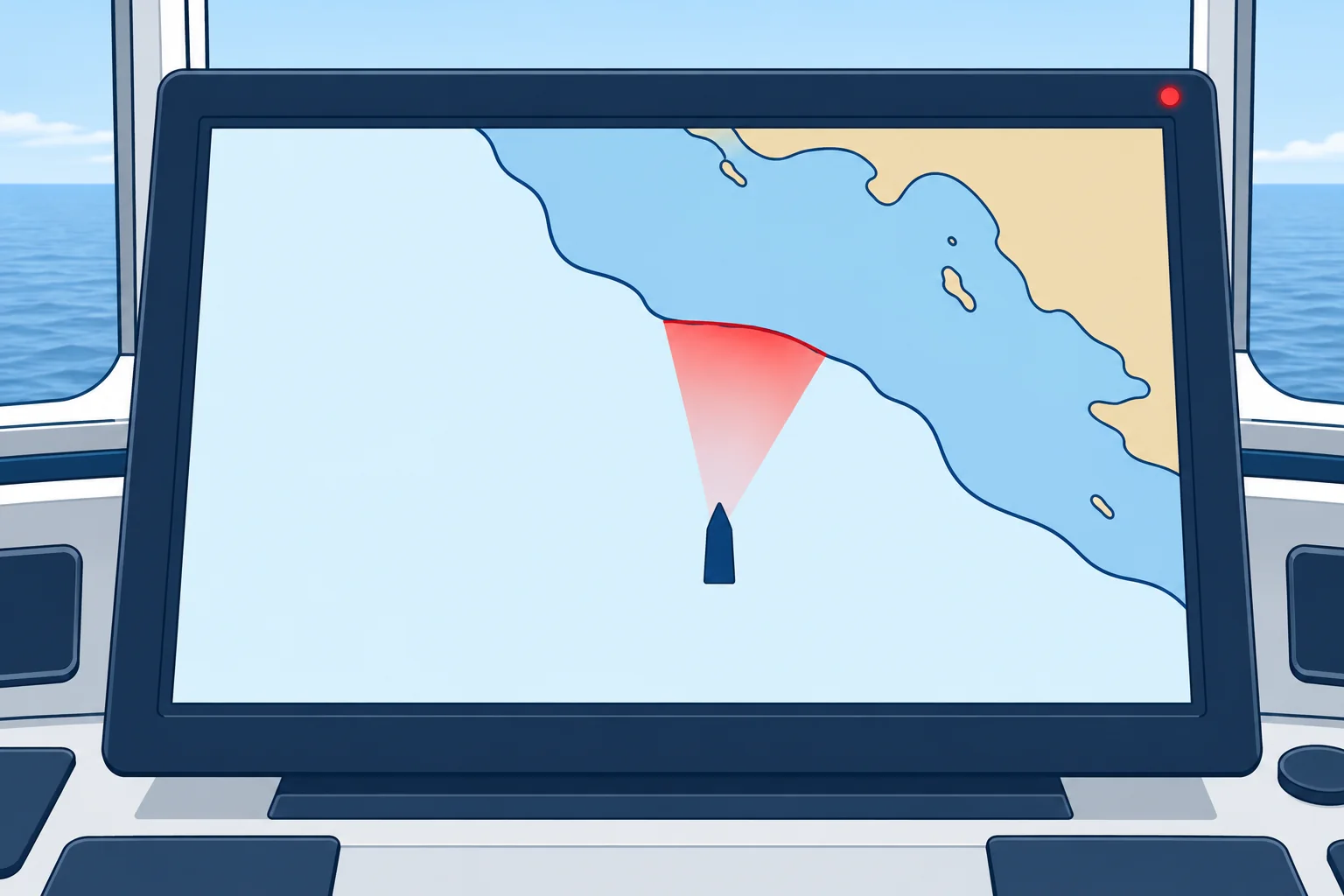
During route monitoring, ECDIS checks the water ahead of the ship, not just the planned track. This look-ahead, also called a guard zone or safety frame, is set by time or distance and width. Set it so you get warning in time to act at your speed and turning ability. A look-ahead switched off removes the safety contour protection while the ship is under way.
Managing them
Acknowledge an alert only when you understand it and know what you will do. Silencing the sound for a while is allowed; disabling it is not. Frequent alerts need investigation. Check your position and the danger first. Correct unsuitable settings only after verifying the required protection. Never lower a setting just to stop alarms. Report a fault in an alert, sound included, as a defect.
2Key data
- BAM standard
- MSC.302(87): alert priorities; indications are separate
- Alarm
- Close to safety contour; deviation from route
- Warning
- Position failure, critical point, datum; malfunction may indicate
- Indications
- Overscale, larger scale available, default contour, no ENC
- Look-ahead
- Checks the area ahead; set by time or distance and width
3Key points
- 1
ECDIS alerts use alarm, warning and caution priorities. Indications provide visual information.
- 2
Safety contour and deviation from route are alarms under MSC.530(106).
- 3
Set the look-ahead so you get warning early enough to act at your speed.
- 4
Keep the audible alarm enabled. Investigate the danger first; correct settings only after verifying required protection.
4Frequent mistakes
Wrong: Too many alarms? Turn the audible alarm off.
Right: Keep the sound enabled. Check your position and the danger first; correct settings only after verifying the required protection.
Wrong: Acknowledging an alarm deals with it.
Right: Acknowledging only confirms you have seen it. You still have to understand the cause and act.
5Practice case & exam keys
On a coastal passage the ECDIS sounds a safety contour alarm every few minutes, though the ship is on her planned track. The safety contour shows 30 m and your draught is 6 m. The OOW wants to silence the audible alarm permanently. What do you do?
Show the answer
Keep the audible alarm enabled. First verify your position, charted depths and required clearance; the planned track does not prove safety. Calculate the required depth and check available ENC contours: 30 m may be deliberately selected or the next deeper contour. Check look-ahead and cross-track limits. Change only demonstrably unsuitable settings, rerun the route check and record changes. Never lower a setting just to stop alarms.
Exam keys
- MSC.302(87) BAM: alarm, warning, caution; indications are visual information only.
- Alarms (MSC.530(106)): close to safety contour; deviation from route. Warnings: position failure, critical point, datum. Malfunction: warning or indication.
- Look-ahead checks the area ahead of the ship; never disable the audible alarm.
Finish this unit
When you've read it, match the terms, then answer three questions. Get them all right to finish the unit; opening the page alone doesn't count.
My notes for this unit
No notes