

Safety contour, safety depth and the display categories
1The lesson in plain words
Your safety contour divides safe from unsafe water on the screen and drives an advance alarm. Calculate the depth; verify the setting for this passage.
Four depth settings
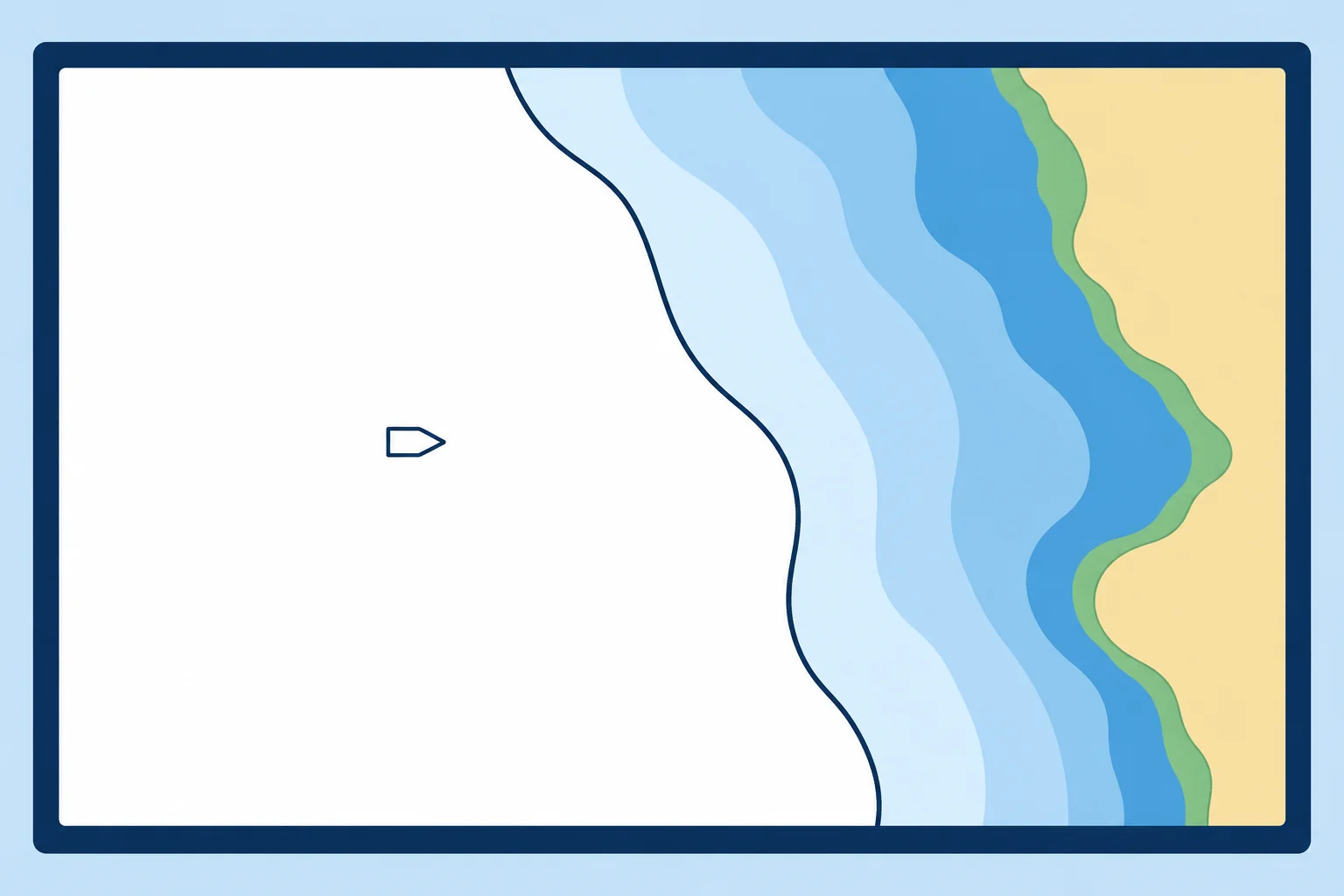
The safety contour is the depth line separating safe from unsafe water for your ship. It is drawn bold. With monitoring active, ECDIS alarms in advance when your predicted movement breaches the set clearance from it. The safety depth makes displayed spot soundings equal to or shallower than it stand out in bold. The shallow contour and deep contour only change colour shading; they give no alarm. In four-shade mode shallower water is darker blue; two-shade mode shows only safe and unsafe.
Working it out
Start with draught + squat (extra sinkage while moving) + required under-keel clearance (UKC, the margin below your keel). Include necessary allowances for heel and swell. This worked example makes no allowance for tide. Set the safety depth on the same basis.
Next deeper contour
You can type any value, but the ENC only holds certain contours, such as 5, 10, 20 and 30 m. ECDIS uses the selected contour if it exists in the ENC; otherwise it uses the next deeper contour. If you set nothing, the safety contour defaults to 30 m, and the system shows an indication that the default is in use. A safety contour of 11 m with only 10 and 20 m contours charted appears as 20 m.
Worked example
Draught 9.2 m, squat 0.8 m, required under-keel clearance 1.0 m: 9.2 + 0.8 + 1.0 = 11.0 m. Set safety contour and safety depth to 11.0 m. The chart holds 10 and 20 m contours, so ECDIS draws 20 m. Displayed soundings of 11 m or less stand out. The 20 m contour is conservative. Assess clearance across the full route corridor; isolated soundings do not prove it is safe inside that contour.
Display categories
Display base cannot be removed, but is insufficient for safe navigation. It includes coastline, your safety contour and isolated dangers in safe water. Standard display is the normal minimum for planning and monitoring; it adds aids to navigation, the drying line, fairways, restricted areas and routeing measures. All other adds spot soundings, cables, pipelines and more. Select soundings to see safety-depth emphasis. Inspect doubtful areas in All other.
2Key data
- Safety contour
- Bold line; advance alarm at the selected clearance
- Default if not set
- 30 m safety contour, with an indication
- Value not in the ENC
- Next deeper contour available is used
- Safety depth
- Soundings equal to or shallower than the safety depth are bold
- Shallow and deep contours
- Colour shading only, no alarm
- Worked example
- 9.2 draught + 0.8 squat + 1.0 UKC = 11.0 m
3Key points
- 1
Safety contour = draught + squat + required UKC, with allowances; set it every voyage.
- 2
ECDIS uses the selected contour if available; otherwise the next deeper one. The unset default is 30 m.
- 3
Safety depth highlights shallow soundings; shallow and deep contours only shade colours.
- 4
Display base cannot be removed. Check doubtful areas in All other mode.
4Frequent mistakes
Wrong: The safety contour appears exactly at the depth you type.
Right: It uses the selected contour if available; otherwise the next deeper charted contour. 11 m with 10 and 20 m contours shows as 20 m.
Wrong: The default 30 m safety contour is the safest choice.
Right: Calculate the required depth and check the available ENC contours. A displayed 30 m contour may be appropriate; verify it for this passage.
Wrong: Crossing the shallow contour gives an alarm.
Right: Shallow and deep contours only change colours. The alarm is tied to the safety contour.
5Practice case & exam keys
Your draught is 12 m, squat 1 m and required UKC 2 m. The ENC has only 10 m and 20 m contours. ECDIS highlights 20 m. A colleague suggests entering 10 m to avoid alarms. What do you do?
Show the answer
Keep the calculated setting at 15 m; ECDIS correctly selects the next deeper contour, 20 m. Keep safety depth at 15 m. Entering 10 m would put the contour below your required clearance. Do not use a few soundings as proof of safe passage inside 20 m; resolve any affected route sections before approval.
Exam keys
- Safety contour: alarm line; safety depth: bold soundings; shallow/deep contours: shading only.
- Value not in ENC → next deeper contour; unset → 30 m default with an indication.
- Display base (not removable), standard display, all other.
Finish this unit
When you've read it, match the terms, then answer three questions. Get them all right to finish the unit; opening the page alone doesn't count.
My notes for this unit
No notes