Decide
Four situations at sea. Decide first, then read why.
Key points
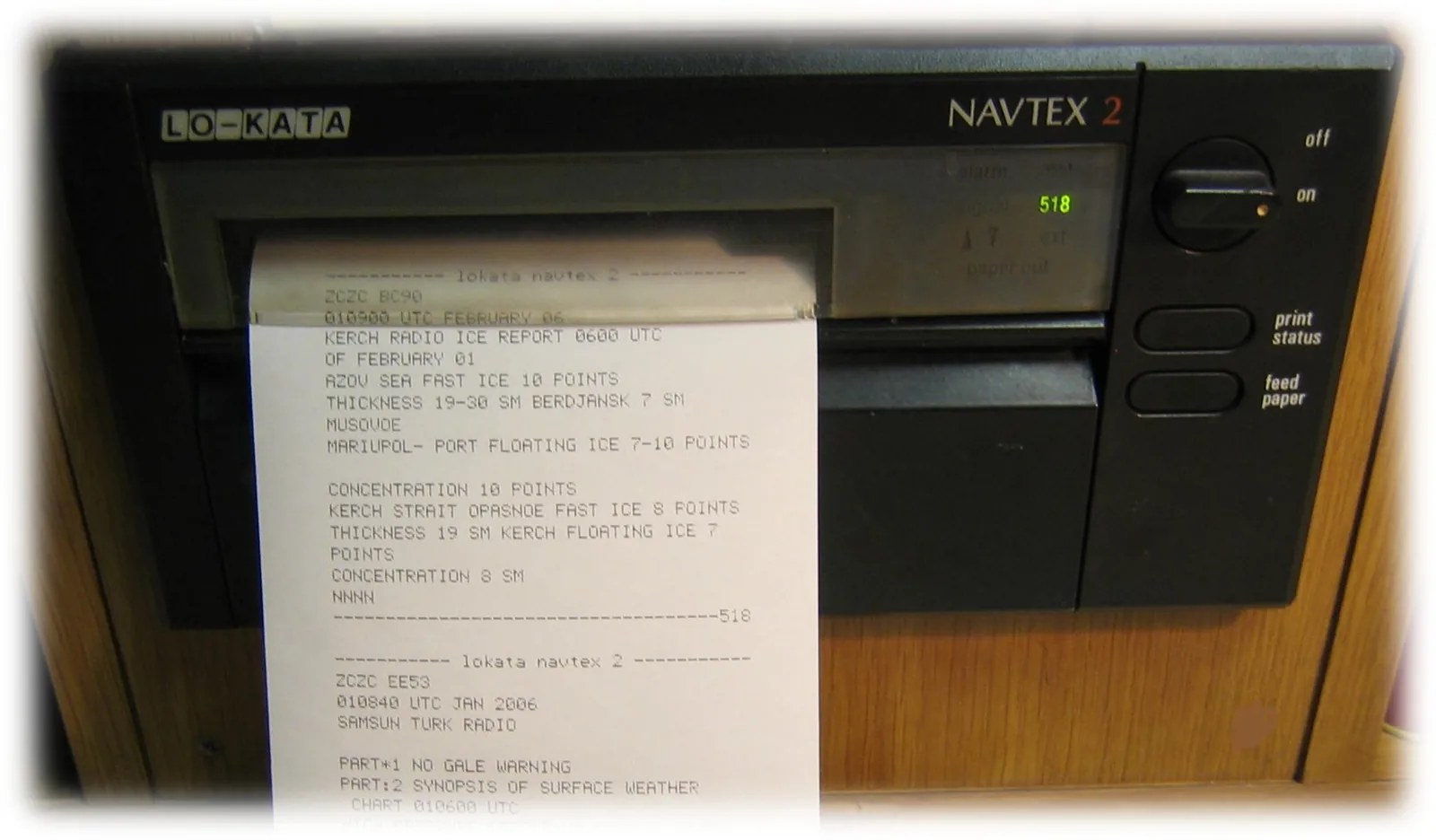
- NAVTEX518 kHz in English, about 400 miles, ZCZC B1B2B3B4 … NNNN.
- A, B, D, L always print; D sounds the alarm.
- 00 cannot be rejected.
- Each station: 10 minutes every 4 hours.
- EGCSatellite MSI addressed to areas: logged in, synchronised, right area.
- Update the area as you cross NAVAREAs/METAREAs.
- What MSI is and how it comesWarnings, forecasts and urgent safety messages for the whole voyage.
- NAVTEX, EGC, HF NBDP and voice broadcasts.
- Radio passage planRCCs, coast stations, SRRs, NAVTEX stations, EGC areas and bands for each leg.
- Brief the watchkeepers; change settings as you go.
Check what you have read
On which frequency is international NAVTEX broadcast in English?
Worked case: Reading one NAVTEX message
Your NAVTEX receiver prints a message beginning 'ZCZC GA41' and ending 'NNNN'. The alarm did not sound. You are in the English Channel and the station letters you selected include G.
Before you read the solution: what would you do?
True or false?
Decide each statement before you see the answer.
NAVTEX covers the whole voyage.
The NAVTEX station letter is just a name.
If the EGC terminal is on, you get all warnings.
518 kHz in English, about 400 miles, ZCZC B1B2B3B4 … NNNN.
Satellite MSI addressed to areas: logged in, synchronised, right area.
Every NAVTEX message sounds the alarm.
Warnings, forecasts and urgent safety messages for the whole voyage.
RCCs, coast stations, SRRs, NAVTEX stations, EGC areas and bands for each leg.
Deselect subject A to stop the printer using so much paper.
Exercise: Set the receivers for the passage
Your ship sails from the North Sea to the mid-Atlantic. Set NAVTEX and the EGC terminal.
Step by step
Which frequency gives international NAVTEX in English?
Which subject can you switch off if you do not need it?
For how many minutes does each NAVTEX station transmit in its time slot?
Mid-Atlantic, out of NAVTEX range: how do you get MSI?
Now on your own
Now read these headers and decide.
'ZCZC SD07': what is it?
'ZCZC KB00': can you reject it?
You crossed into a new NAVAREA. What do you change on the EGC terminal?
Check: 10 questions
Questions from this subject, explained after each answer.
Free: lesson + 10 questions · Exam Pass: all 26 questions, unlimited practice tests, your mistakes retrained
The full explanation and the lessons for each programme item
Sources
- IMO NAVTEX Manual, MSC.1/Circ.1403/Rev.2 · checked
- IMO resolution MSC.496(105): SOLAS chapter IV in force from 1 January 2024 (Hong Kong Marine Department copy) · checked
- US 47 CFR Part 80 subpart W: GMDSS operating procedures for distress, urgency and safety (the ITU procedures in US law) · checked
- CEPT ERC Decision (99)01: harmonised examination syllabi for the GOC and ROC (amended 8 March 2024) · checked
Checked against SOLAS, IMO, CEPT and ITU-based sources on .