

Head-up, north-up, course-up; relative and true motion
1The lesson in plain words
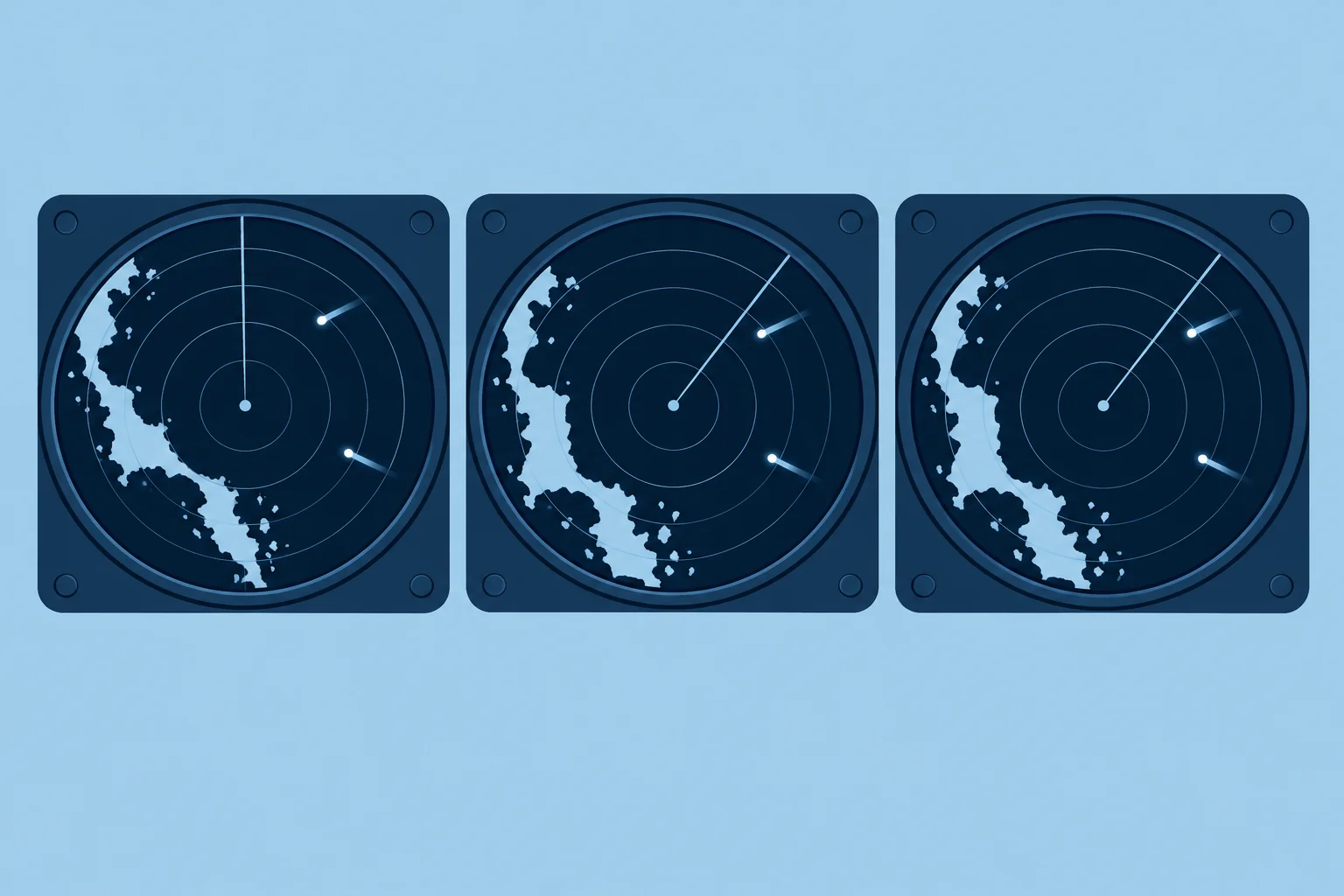
The picture can be oriented to your bow, to north or to your course. Stabilised modes need a heading sensor; motion and trails can be relative or true.
Head-up
In head-up, your heading is at the top of the screen. It matches what you see over the bow, which is easy for steering. Your bow yaws when it swings from side to side. In unstabilised head-up, yaw makes the picture swing and can smear trails. Heading-fed sets may compensate trails for yaw. Head-up can work without a heading sensor.
North-up and course-up
In north-up, true north is at the top, like the chart; a heading line shows where your bow points. In course-up, a reference course, often your heading when you select or reset the mode, is at the top; the picture stays steady as you yaw. Reset it after a big alteration. Both are stabilised modes: a heading sensor turns the picture to cancel your yaw. A slow or badly calibrated sensor rotates every echo by the same error.
Relative motion
In relative motion, your boat stays fixed on the screen and everything moves relative to you. A buoy appears to drift backwards past you; a ship's echo moves along its relative track, which tells you whether it will pass close. In this mode, an echo whose bearing stays steady while its range closes indicates risk of collision.
True motion
In true motion, your boat moves across the screen. With motion referenced to the ground, land stays still and moving targets follow their courses over the ground. This needs heading and your course and speed over the ground, usually from GNSS. The display resets before your boat reaches the edge. It shows target movement, but relative motion makes close approaches easier to recognise.
Trails
Trails (echo trails) leave a fading wake behind each moving echo. Relative trails show each target's relative track; true trails show its movement over the ground or through the water. Know which you have chosen before you judge a target. Orientation and motion are separate settings: north-up can use relative motion.
2Key data
- Head-up
- Bow at top; no heading sensor needed; picture swings with yaw
- North-up / course-up
- Stabilised by heading sensor; picture steady as you yaw
- Relative motion
- Own boat fixed; echoes move on their relative tracks
- True motion
- Own boat moves; land fixed when referenced to the ground
- Spanish terms
- Proa arriba, norte arriba, rumbo arriba; movimiento relativo/verdadero
3Key points
- 1
Head-up matches the view ahead but swings with every yaw.
- 2
North-up and course-up need a heading sensor; a sensor error rotates the whole picture.
- 3
Relative motion and relative trails show directly whether a target will pass close.
- 4
True motion shows targets' real courses; know which trail mode you are using.
4Frequent mistakes
Wrong: Use true trails to judge whether a target will hit you.
Right: True trails show the target's own course. Relative trails or a steady bearing show the collision risk.
Wrong: North-up always shows the picture correctly aligned.
Right: It is only as good as the heading sensor. A 10° error turns every echo 10°.
5Practice case & exam keys
In north-up with relative trails, you hold a steady course and speed. Successive echoes of a ship 4 NM off your starboard bow keep the same true bearing and move closer. Its older trail extends away from the centre. Your crew says its true course shows it will cross safely ahead. Is that enough?
Show the answer
No. The successive positions show closing range on a steady bearing, so risk of collision exists. The trail marks past positions, behind the approaching echo. Follow the direction from the older trail through the current echo towards your position. Check successive EBL bearings and measured ranges. The Radar and collision avoidance unit covers what to do.
Exam keys
- Head-up can work without heading input; north-up and course-up need a heading sensor.
- Relative motion: own boat fixed, echoes on relative tracks; true motion: own boat moves.
- Relative trails show collision risk; true trails show target courses.
Finish this unit
When you've read it, match the terms, then answer three questions. Get them all right to finish the unit; opening the page alone doesn't count.
My notes for this unit
No notes