
Navigation · Level R2 · 5 parts · about 15 min
GPS and chart plotter basics: position, waypoints and limits
5 short parts: Satellites · Waypoints, routes · COG and SOG · Plotter limits · Jamming, backup. Each part explains the idea, then gives the points to remember, the common mistakes, a worked case and a practice question; the Academy unit adds all 29 check questions.
1 · Satellites
GNSS: how satellite positioning works
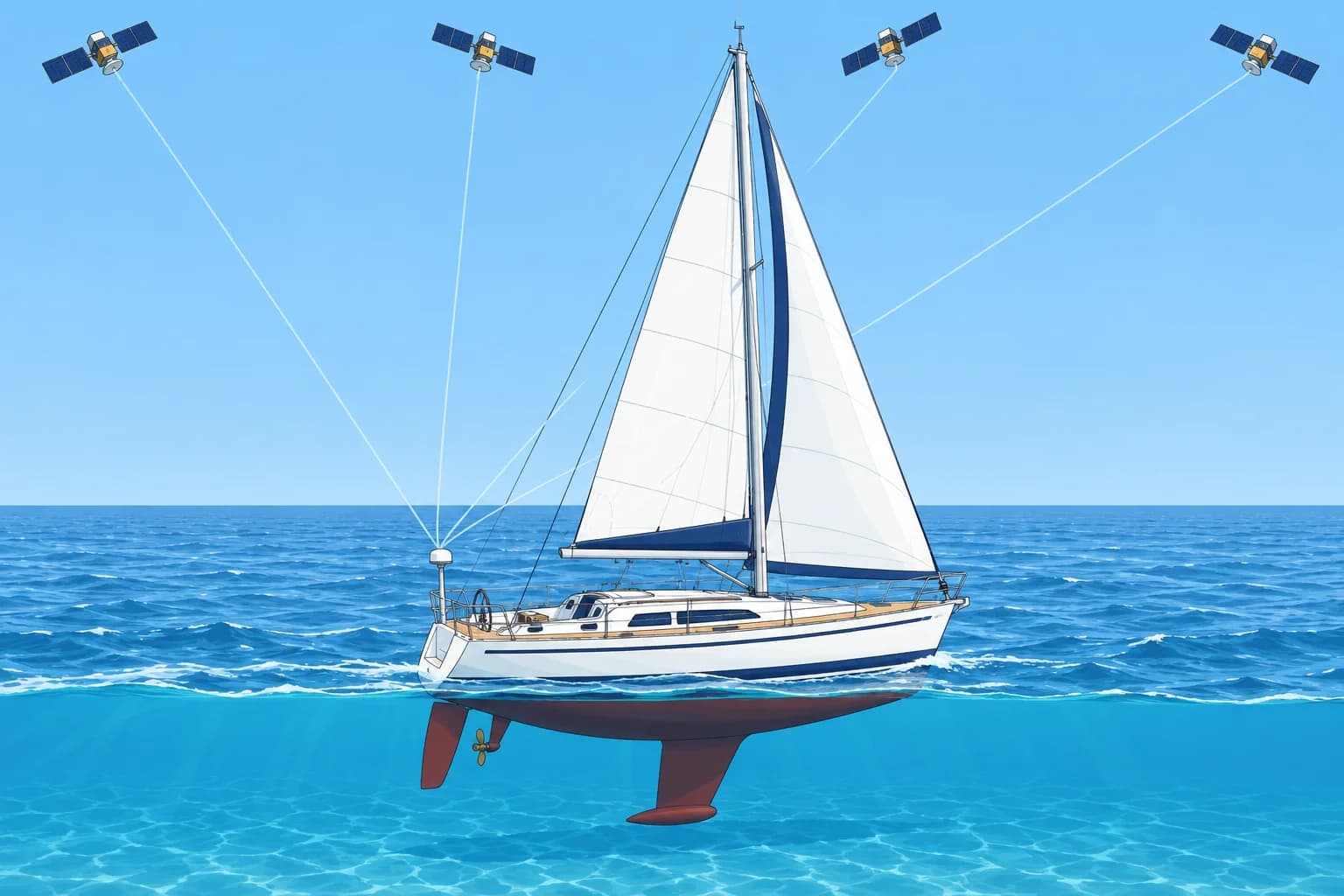
GNSS receivers time weak signals from several satellite systems to find your position, usually to a few metres. Precise is not the same as safe.
Four systems
GNSS (global navigation satellite system) is the general name for satellite positioning. There are four global systems: GPS (USA), Galileo (European Union), GLONASS (Russia) and BeiDou (China). Most modern receivers use several at once, which gives more satellites in view and a more reliable fix, meaning a calculated position. People still say "GPS" for all of them.
How it works
Each satellite broadcasts its position and a very precise time. Your receiver measures how long each signal took to arrive and turns that into a distance. With signals from at least four satellites it works out latitude, longitude, height and the error of its own clock. By the time the signals reach Earth they are extremely weak, which is why they are easy to block or jam.
How accurate
In open sky a modern receiver is usually within a few metres. A clear view of the sky matters: cliffs, high quays, a metal or solar-panel canopy or an antenna mounted below deck can block satellites and make the position worse. SBAS (satellite-based augmentation), such as EGNOS in Europe and WAAS in North America, sends corrections that can bring it to about 1–3 m.
What it feeds
GNSS supplies position, time, COG (course over the ground) and SOG (speed over the ground). AIS (automatic identification system) shares vessel information. DSC (digital selective calling, your radio’s digital alert system) sends alerts, including distress alerts. AIS and DSC use built-in or connected GNSS receivers. Equipment using the same faulty source may share its wrong position.
Precise is not safe
A position can be accurate to metres and still put you in danger. The chart may be old, use a different datum (the reference system for chart positions) or be shown at the wrong zoom. Signals can also be jammed or faked. Treat GNSS as one source and check it against the depth, what you see and the chart. More on these limits next.
Key figures
- Global systems
- GPS, Galileo, GLONASS, BeiDou
- Satellites for a fix
- At least 4
- Typical accuracy, open sky
- A few metres; about 1–3 m with SBAS
- SBAS
- EGNOS (Europe), WAAS (North America)
Remember
- Four global systems: GPS, Galileo, GLONASS, BeiDou; receivers use several together.
- A fix needs at least four satellites: position plus the receiver's clock error.
- Typical accuracy: a few metres in open sky; about 1–3 m with SBAS (EGNOS, WAAS).
- GNSS can feed AIS and DSC: equipment using a faulty source may share its wrong position.
Common mistakes
Wrong: The receiver is broken if the position wanders near a cliff.
Right: Cliffs and high quays block satellites. Move into open water and check the receiver's accuracy display.
Wrong: A position shown to 0.001′ is exact.
Right: The decimals show the display's resolution, not its accuracy. Expect a few metres, and more when signals are blocked.
Wrong: GNSS and GPS are two different things you must choose between.
Right: GPS is one GNSS. Most receivers combine GPS with Galileo, GLONASS or BeiDou.
Worked case
Moored under a 60 m cliff, your plotter shows the boat jumping 20–30 m around, and the accuracy display reads poor. A friend says the receiver is broken. Is it?
Show the answer
Probably not. The cliff hides much of the sky, so the receiver sees fewer satellites, all on one side, and the fix gets worse. Out in open water it should settle to a few metres again. Near hazards, rely on the depth, your eyes and bearings rather than the boat symbol.
Practice question
Which of these is the European GNSS?
- GLONASS
- Galileo
- BeiDou
- WAAS
Show the answer
Answer: B. Galileo is the EU's system. GLONASS is Russian, BeiDou Chinese, and WAAS is a North American correction service.
2 · Waypoints, routes
Waypoints, routes and the MOB key
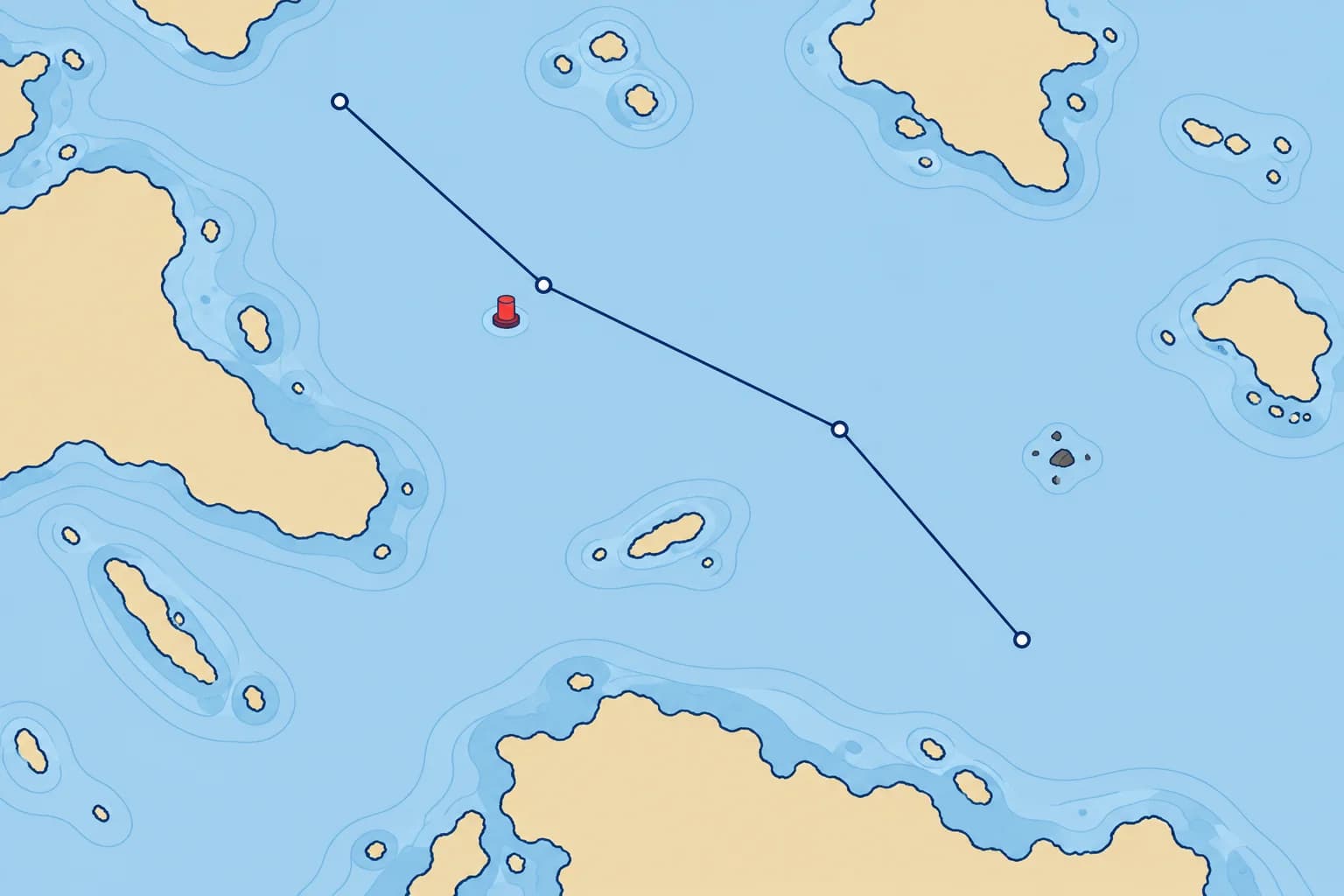
A waypoint is a stored position and a route is a chain of them. The receiver gives bearing and distance in straight lines, so check every leg on the chart.
Waypoints and routes
A waypoint is a position you store in the plotter or GNSS receiver, by tapping the chart or typing in a latitude and longitude. A route is a chain of waypoints; each step from one waypoint to the next is a leg. Name waypoints clearly and write their positions in the log or passage plan, so you can plot them on paper if the electronics fail.
What the display tells you
Going to a waypoint, the receiver shows BRG (bearing from you to the waypoint), DTW (distance to it) and an ETA (estimated time of arrival), based on the receiver’s speed or progress assumptions. BRG and DTW are direct, straight-line figures; ETA estimates arrival. None proves the water between you and the waypoint is clear of rocks, shallows or traffic.
Check every leg
Before you sail, check each leg on the largest-scale chart available, the one showing most detail. Make sure no leg crosses land, shallows, a wreck or a restricted area, and that every waypoint lies in safe water. Do not put a waypoint exactly on a buoy: other boats may do the same, and you would steer straight at it. Set it a short distance off, on the safe side.
Typing errors
One wrong digit can put a waypoint miles away. Read back every position you type, compare the plotter's bearing and distance for each leg with what you measure on the chart, and look at the whole route on screen at several zoom levels. Distances use nautical miles (M). A knot is one nautical mile per hour.
The MOB key
Press MOB (man overboard) the moment someone falls in. The plotter stores that position and shows the bearing and distance back to it. The mark is fixed to the seabed, but the person drifts with the water, so in a tidal stream look down-stream of the mark and keep someone pointing at the person. Recovery is in the Emergencies module.
Key figures
- BRG
- Bearing from you to the waypoint
- DTW
- Straight-line distance to the waypoint
- ETA
- Arrival estimate; depends on speed assumptions
- MOB key
- Stores the position; the person drifts with the stream
Remember
- Waypoint = stored position; route = chain of waypoints; leg = one step.
- BRG and DTW give direct bearing and distance; ETA estimates arrival. None guarantees a safe leg.
- Check every leg on the largest-scale chart; set waypoints off buoys, on the safe side.
- MOB stores a fixed position; the person drifts with the stream.
Common mistakes
Wrong: If the plotter accepts the route, it must be safe.
Right: The plotter joins waypoints with straight lines. Only your check on the chart shows whether a leg crosses a hazard.
Wrong: The MOB position shows exactly where the person is.
Right: It marks where the boat was when you pressed it. In a stream they drift away from it: keep watching and pointing at them.
Wrong: Store waypoints only in the plotter.
Right: Write them down too, so you can plot the route on paper if the plotter fails.
Worked case
You build a three-leg route to a harbour on the small-scale view. On the 1:25 000 chart the second leg passes 50 m off a charted rock, and the last waypoint sits right on the entrance buoy. What do you change?
Show the answer
Move the second leg's waypoints so the leg clears the rock with enough clearance for position uncertainty and the conditions. Move the last waypoint a short distance off the buoy on its safe side. Then compare each leg's bearing and distance with the chart, look at the route at several zoom levels and write the waypoints in the log.
Practice question
What does DTW show?
- Depth at the waypoint
- Direction of the wind
- Drift of the tidal stream
- Distance to the waypoint
Show the answer
Answer: D. DTW is the straight-line distance from you to the active waypoint.
3 · COG and SOG
Heading and speed through the water against COG, SOG and XTE
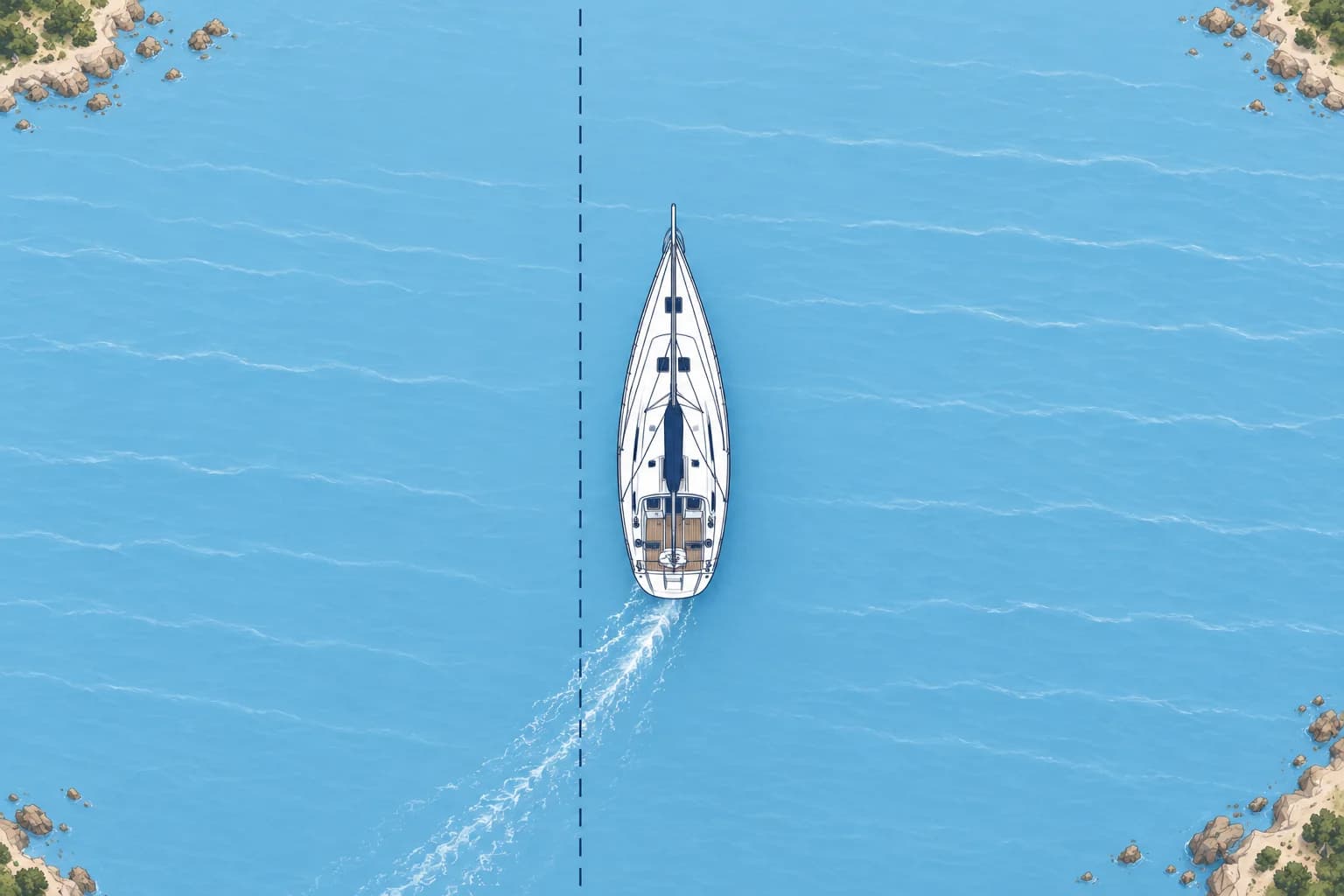
Heading shows where your bow points; STW is speed through the water. COG and SOG describe movement over the ground. Stream and leeway can separate them.
Bow direction and water speed
Your heading is where the bow points, read on the compass. Your STW (speed through the water) comes from the log, a sensor under the hull. Wind can push you sideways (leeway), so your path through the water may differ from your heading. Compare heading and COG using the same north reference: true or magnetic (°M).
Over the ground
GNSS measures how your position changes over the seabed. COG (course over the ground) is the direction you are actually moving; SOG (speed over the ground) is how fast. A tidal stream carries the water, and you with it, and the wind pushes the boat sideways (leeway). So COG and SOG often differ from heading and STW.
Reading the difference
Heading 000°, COG 010°: something is pushing you to starboard (right) of your heading. Port means left. A lower SOG than STW can indicate an opposing stream. Speeds use kn (knots, nautical miles per hour). Near hazards a big gap between heading and COG is a warning: you are not going where the bow points. At very low speed COG jumps about and means little.
Cross-track error
XTE (cross-track error) is your sideways distance from the planned leg. Check the manual: L/R or arrows may show your side of the leg or the correction direction. Keep XTE small to stay on the line you checked. Steering at the waypoint’s changing bearing in a cross-stream makes a curve down-stream of the leg and may leave safe water. Course correction is covered in Set and drift.
Autopilot modes
Heading mode holds a compass heading; it does not keep you on a charted leg. Track or nav mode uses navigation data to follow the leg and reduce XTE. At a waypoint it may turn automatically or request confirmation. Know your system, check each new leg and keep a lookout.
Key figures
- Heading / STW
- Bow direction: compass; speed through water: log
- COG / SOG
- Over the ground: from GNSS
- XTE
- Distance off leg; check the display’s L/R convention
- Why they differ
- Tidal stream and leeway
Remember
- Heading is bow direction; STW is speed through water.
- COG and SOG: over the ground, from GNSS.
- The difference comes from tidal stream and leeway.
- XTE is your distance off the planned leg; chasing the waypoint’s bearing can make a curved track.
Common mistakes
Wrong: COG is the same as heading.
Right: Heading is where the bow points; COG is where the boat actually goes. Stream and leeway separate them.
Wrong: Steer at the waypoint's bearing and you will stay on the leg.
Right: In a cross-stream that makes a curve down-stream of the leg. XTE shows your distance off the checked line.
Wrong: A SOG lower than STW means the log is wrong.
Right: An opposing stream can reduce SOG below STW. Compare the readings with the conditions before blaming the log.
Worked case
Your planned leg bears 180°M to a harbour 6 M away. At 5 kn STW your heading is 180°M, but COG shows 165°M. The display places you 0.4 M left of the leg, towards a rocky shore to the east. What do COG and XTE tell you?
Show the answer
COG 165°M is east of the 180°M leg, towards the rocky shore. XTE shows you are already 0.4 M left of the checked line. Check your position and the chart before choosing a safe correction. Matching COG to the leg bearing alone would leave you parallel to it, still 0.4 M off. The Set and drift unit covers choosing a course.
Practice question
Which instrument gives STW?
- The GNSS receiver
- The speed log
- A magnetic compass
- The echo sounder
Show the answer
Answer: B. The log measures speed through the water; GNSS gives speed over the ground.
4 · Plotter limits
Chart plotter limits: zoom, overzoom, settings and autorouting
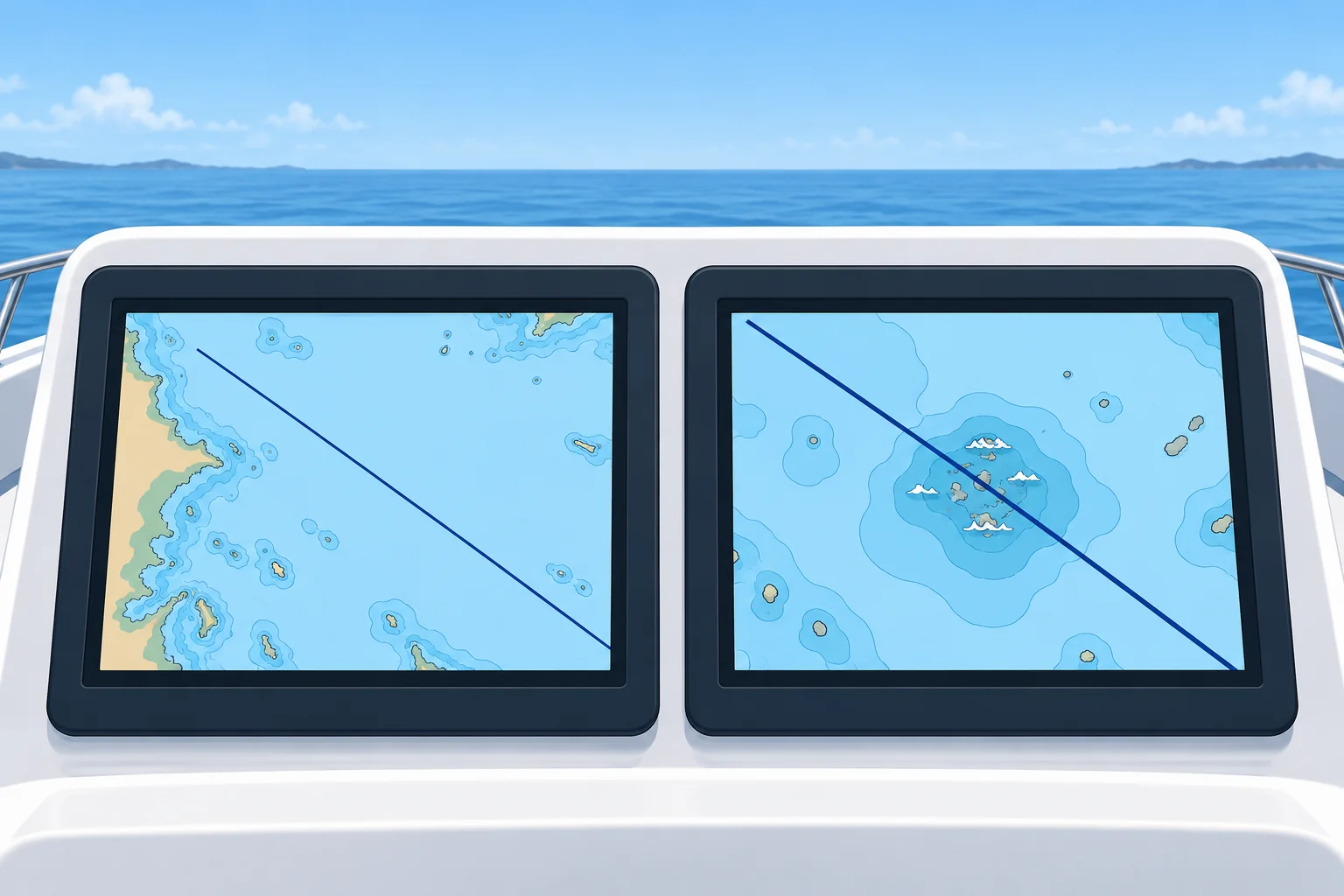
A chart plotter looks precise, but small hazards can vanish when zoomed out, and overzoom magnifies errors. Check settings, updates and every auto-route.
A screen is not the sea
A chart plotter shows your GNSS position on an electronic chart. It looks exact, but it is only as good as the chart data, the plotter's settings and the position fed to it. The boat symbol can sit neatly in a channel while the boat is in the shallows.
Zoom and overzoom
Electronic charts are built from data compiled for certain scales. Zoomed out, the plotter may hide small rocks, wrecks and soundings to keep the screen readable. Zoomed in beyond the data's own scale, called overzoom, it only magnifies the same data: it looks detailed but is no more accurate, and a coastline from a 1:200 000 source can be 100 m or more out. Check hazards at several zoom levels.
Settings and updates
A datum is the coordinate reference used by the chart; WGS84 is the usual one. Match the receiver and chart datum. Your draft is the depth from the waterline to your boat’s lowest point. Follow the manual to set safety-depth shading and autorouting clearance for your draft plus a margin. Check shallow-water alarms separately: these controls may use different settings. Keep charts updated; check the edition and latest update dates in the chart-information menu.
Autorouting
Many plotters offer autorouting: they draw a route for you from your draft, height and safety settings. It works only from the charted data and those settings, and it can cut close to marks or through areas that are unsafe or not allowed. Check every leg yourself, at large scale, before you follow it.
A real lesson
In 2014 a round-the-world race yacht ran onto a charted reef in the Indian Ocean at night, at speed. At the zoom level the crew used to check the route, the reef did not show. The inquiry's lessons: check routes at large scale, use more than one source and carry paper charts and sailing directions.
Key figures
- Overzoom
- Enlarged beyond the data's scale: looks precise, is not
- Zoomed out
- Small hazards may be hidden
- Datum setting
- Normally WGS84
- Depth settings
- Check draft, safety-depth shading, alarms and routing clearance
- Autorouting
- Data and settings only: check every leg
Remember
- Zoomed out, a plotter may hide small hazards: check at several zoom levels.
- Overzoom magnifies the data without making it more accurate.
- Check draft, safety-depth shading, alarms and routing clearance separately; keep charts updated.
- Autorouting knows only data and settings: check every leg yourself.
Common mistakes
Wrong: If a hazard is not on the screen, it is not there.
Right: It may be hidden at that zoom level. Zoom in along the whole route, and check the paper chart.
Wrong: Zooming right in makes the chart more accurate.
Right: Overzoom only enlarges the same data. It can look sharp and still be 100 m or more out.
Wrong: An autoroute is safe because the plotter worked it out.
Right: It follows only the charted data and your settings. Wrong settings or old data give a wrong route.
Worked case
Your plotter’s autoroute to an island anchorage shows a clear line. Zoomed in, it crosses a 1.5 m patch beside a reef. Your draft is 2.0 m, and the autorouting minimum depth was set to 1.0 m. What went wrong, and what do you do?
Show the answer
The route offers insufficient charted-depth clearance for your draft. Reject it. Following the manual, correct the autorouting depth limit to draft plus a margin. Check safety-depth shading and alarms separately. Re-plan and inspect every leg at large scale and on paper. Verify chart updates and check actual depth before approaching.
Practice question
What is overzoom?
- Zooming out so far hazards vanish
- A display that shows true north up
- Splitting the screen into two charts
- Zooming past the data's own scale
Show the answer
Answer: D. Overzoom enlarges data beyond the scale it was made for: it looks precise but is not.
5 · Jamming, backup
Jamming, spoofing and keeping a backup
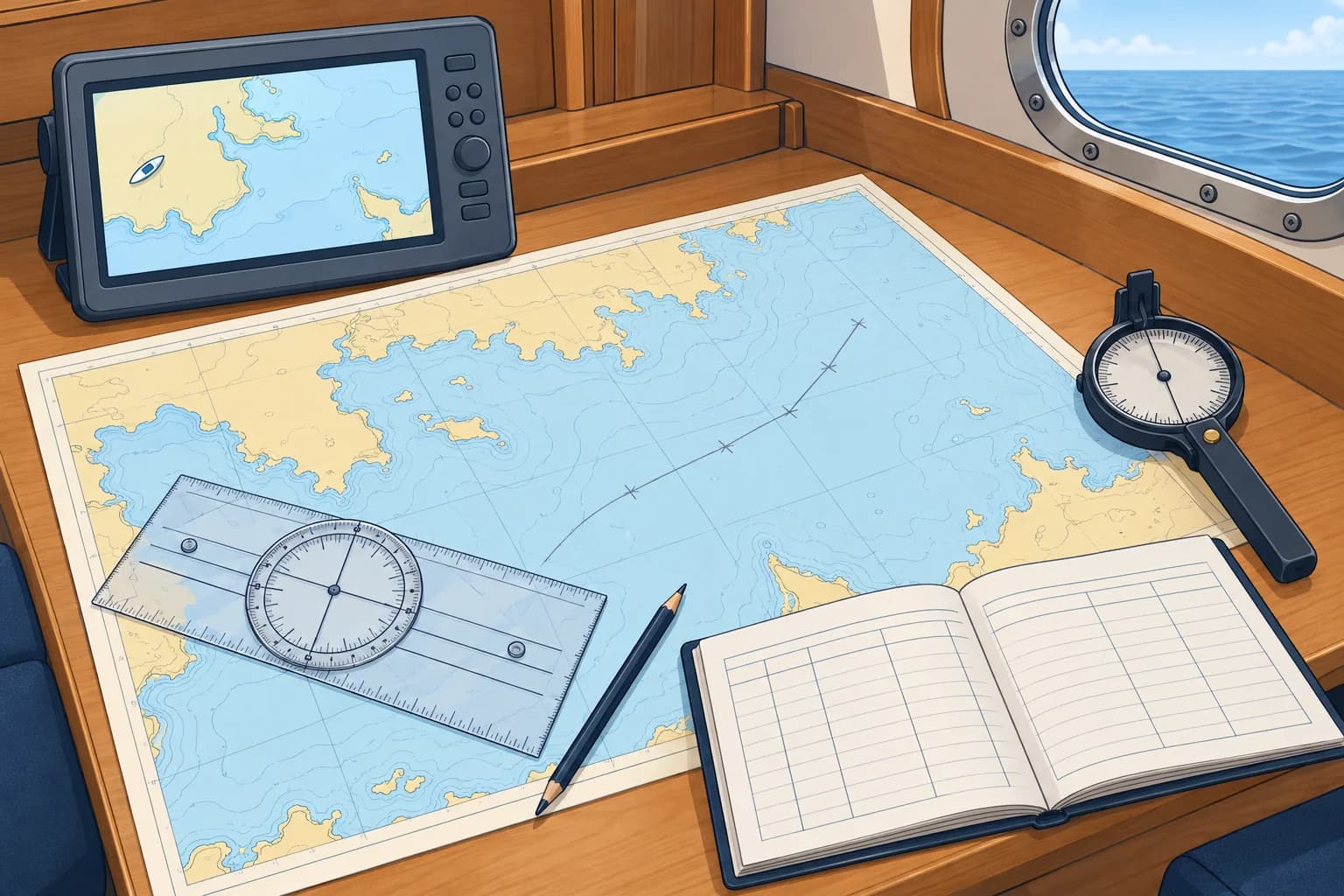
GNSS can be jammed or spoofed. Know the signs, check by other means and log at least hourly, more often near hazards. Carry paper charts.
Jamming and spoofing
Jamming drowns the weak satellite signals in radio noise: the receiver loses its fix, shows an alarm or freezes. Spoofing sends fake signals: the receiver shows a wrong position that can look normal, drift slowly or jump miles, sometimes onto land. Both have become common since 2022.
Where it happens
In 2024 and 2025 interference was reported almost daily in parts of the Baltic Sea, the Black Sea, the eastern Mediterranean off Israel, Lebanon and Cyprus, the Red Sea and the Persian Gulf. On AIS, ships have appeared at airports and far inland. Read the navigational warnings for your area before you go.
Signs
Suspect interference when the position jumps, or drifts away from where the depth and the view say you are; when SOG shows a speed you are not doing; when the time or date is wrong; when an alarm reports position lost; or when AIS shows other ships on land or in circles. The same false signals can fool several receivers; agreement alone does not rule out spoofing.
First actions
Stop trusting the screen. Check your position by eye, by depth, by compass bearings and by radar if you have it. Work on from your last trusted logged position using heading, log speed and time (dead reckoning, in the Dead reckoning and estimated position unit). Slow down near hazards and report the interference to the coastguard. A DSC alert may carry a false GNSS position; give your best position by voice in a distress call.
Keep a backup
Write a log entry at least hourly and at each course change; log more often near hazards. Record time, a checked position, log reading, heading, COG, SOG and depth. Carry paper charts, pencils, a plotting tool and a hand-bearing compass (a handheld compass for taking bearings), and practise using them. These backups help you keep navigating if GNSS fails. Electronic navigation covers further checks.
Key figures
- Jamming
- Noise: no fix, an alarm or a frozen position
- Spoofing
- Fake signals: a wrong position that may look normal
- Log entries
- At least hourly and at course changes; more often near hazards
- Cross-checks
- Eyes, depth, compass bearings, radar
Remember
- Jamming = noise, no fix. Spoofing = fake signals, a wrong position that may look right.
- Known hot spots: Baltic, Black Sea, eastern Mediterranean, Red Sea, Persian Gulf.
- Several receivers may follow the same false signals; agreement does not rule out spoofing.
- Log at least hourly and at course changes, more often near hazards; check positions independently and carry paper charts.
Common mistakes
Wrong: Two receivers that agree must be right.
Right: The same spoofing attack can fool several receivers. Agreement does not rule it out; check against independent observations.
Wrong: When GNSS fails, wait for it to come back.
Right: Work on from your last trusted logged position, independently checked, rather than replacing it with a later suspect fix.
Wrong: A DSC alert always sends the right position.
Right: An alert may carry a false GNSS position. If GNSS is suspect, give your best position by voice.
Worked case
At night in the eastern Mediterranean, 8 M off the coast, the plotter suddenly puts you 3 M inland, then back at sea 1 M north of your last position. The depth reads 60 m. What do you do?
Show the answer
Suspect spoofing and treat GNSS positions as unreliable. Plot on from your last trusted logged position using heading, log distance and time. Check that the depth fits the chart along that track, take bearings of lights you can identify and use radar if fitted. Keep well offshore, log the event and report it to the coastguard.
Practice question
What is GNSS spoofing?
- Radio noise that blocks all signals
- Interference caused by solar activity
- A fault in the plotter's chart data
- Fake signals giving a false position
Show the answer
Answer: D. Spoofing transmits fake satellite signals so the receiver computes a wrong position.